
Starting a business or keeping finances organized brings its own set of challenges. Choosing the right expense-tracking method can make it easier to record transactions, organize receipts, monitor spending, and prepare financial records for tax time. Different tools offer different levels of automation, accounting functionality, and reporting, so the right choice depends on your business size, transaction volume, and financial workflow.
Table of Contents
QuickBooks Online
At a Glance
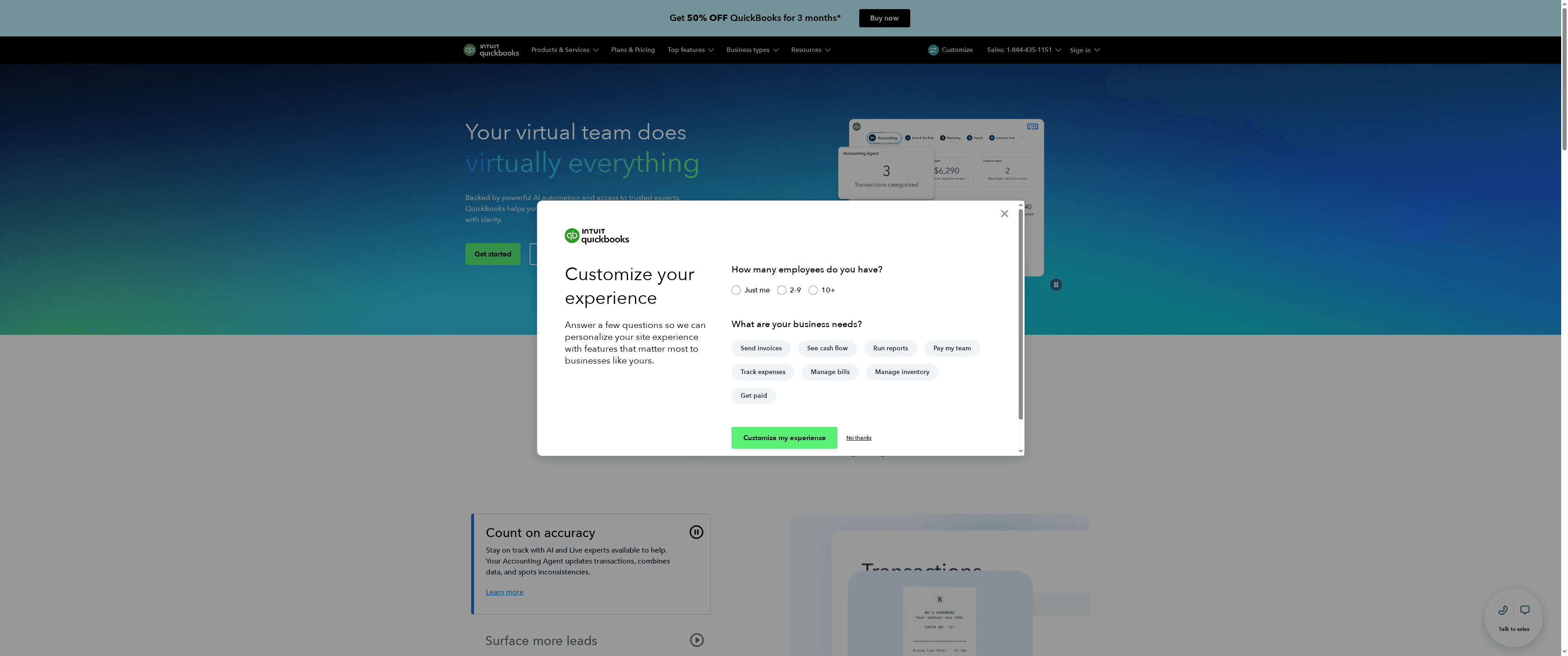
QuickBooks Online is a cloud-first accounting platform that pairs traditional bookkeeping features with AI-powered automation and access to live expert support. It’s built to handle invoicing, expense tracking, reporting, and workflow automation from any device, which helps small teams move faster and make clearer financial decisions. For businesses that need integrations and automation more than DIY spreadsheets, QuickBooks is a practical, reliable choice.
Core Features
QuickBooks Online combines core bookkeeping tools with automation and extensibility: automated task flows and AI agents speed up repetitive work, customizable user access controls keep finances secure across teams, and integration with over 800 apps lets you connect payment processors, CRMs, and other tools. The platform also delivers AI-powered financial reports and insights, plus expense and invoice management features designed to accelerate payments and improve cash flow visibility. All of this is available via web and mobile apps, so you can review charts, send invoices, or approve expenses on the go.
Stop. Think about time saved.
Pros
Cloud-based accessibility from any device: You can access books and approve transactions from a browser or mobile app, which removes dependence on a single workstation.
Integration with numerous apps and payment options: With connections to hundreds of third-party tools, you can keep sales, payroll, and payment data synchronized without manual CSV juggling.
Strong automation features that save time: Built-in AI agents and automated reminders reduce manual data entry and improve invoice collection cadence.
Support from live experts and AI assistance: When you need guidance, QuickBooks pairs automated help with access to human experts for more complex questions.
Flexible plans to suit different business sizes: Multiple tiers let you pick features that match a solo founder’s needs or a growing team’s complexity.
Cons
Pricing may be a concern for smaller businesses: Entry-level pricing is reasonable, but add-ons and higher tiers can push monthly costs up quickly for tight budgets.
Learning curve for new users: The breadth of features and configuration options means new users often need time to set things up correctly.
Additional costs for payroll or advanced features: Payroll, advanced reporting, and other premium modules frequently require extra subscriptions beyond the base plan.
Who It’s For
QuickBooks Online is aimed at small to medium-sized business owners and teams who want a cloud-based accounting solution with automation, role-based access, and broad integration options. It’s especially useful for founders who want to offload bookkeeping tasks, improve cash flow management, and scale finance operations without hiring a full-time accountant right away.
Unique Value Proposition
QuickBooks bundles trusted accounting workflows with AI automation and expert support, giving you automated time-savers plus a path to human help when automation hits limits. The mix of deep integrations and AI-driven reporting makes it a one-stop financial hub for growing businesses that want both control and convenience.
Real World Use Case
A small retail shop uses QuickBooks Online to record daily sales, categorize expenses, automate invoice reminders, and generate monthly profit-and-loss reports, which helps the owner monitor cash flow, make payroll decisions, and plan inventory purchases.
Pricing
Starting at $19/month for the Simple Start plan, with introductory discounts for the first three months and higher-tier plans available for more features.
Website: https://quickbooks.intuit.com
Expensify
At a Glance
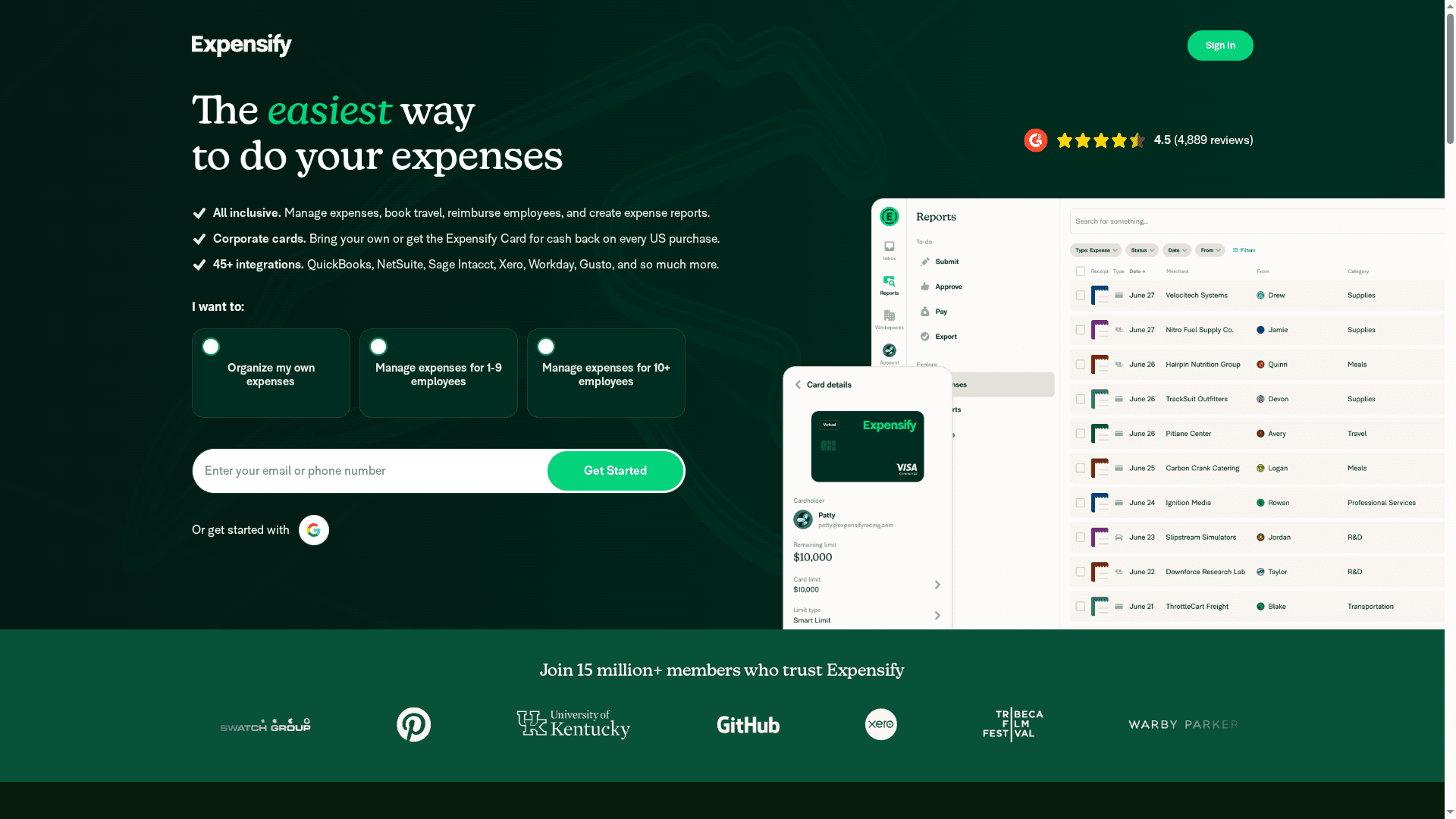
Expensify is an all-in-one expense management platform built to automate receipt capture, expense reporting, approvals, and reimbursements across teams. Its mobile-first receipt scanning (OCR), accounting integrations, company and virtual card controls, and multi-currency reimbursements make it a strong fit for teams that want to reduce manual bookkeeping. Expect real time savings and tighter policy enforcement, though small teams should weigh costs and configuration needs.
Core Features
Expensify centralizes expense workflows: automated expense creation, submission, approval, and reimbursement; receipt snapping with OCR recognition via app or email forwarding; travel booking and expense syncing; and management of company and virtual cards. It integrates with popular accounting and ERP systems such as QuickBooks, Xero, NetSuite, and Sage Intacct, supports reimbursements in local currencies, offers AI-powered policy compliance and flagging, and includes bill pay/invoice creation features.
Pros
User-friendly interface and easy receipt uploading: The mobile app and email-forwarding options make capturing receipts fast and intuitive for on-the-go users.
Time savings through automation and integrations: Automated reporting, approvals, and direct accounting integrations reduce manual reconciliation work.
Effective expense policy enforcement and compliance: AI-powered policy flagging helps teams catch out-of-policy spend before it reaches accounting.
Quick reimbursement process: Built-in multi-currency reimbursements and card management speed up employee reimbursements globally.
Robust mobile app features for on-the-go management: The mobile-first design supports receipt snapping, approvals, and travel booking from a phone.
Cons
Limited customization for some reports: The platform’s reporting options may not meet every bespoke reporting need for power users.
Dependent on internet connectivity: Core features like syncing and OCR require a reliable connection, which can frustrate users in low-connectivity situations.
Higher plans may be costly for small teams: While there’s a free individual plan, teams scaling up should budget for paid plans and customizations.
Learning curve for advanced features: Advanced automation, policy rules, and integrations require setup time and some administrative expertise.
Who It’s For
Expensify suits businesses and organizations looking for an automated, mobile-friendly expense system that plugs into existing accounting stacks. It fits accounting and finance teams that want faster reconciliation, HR or operations teams managing travel and reimbursements, and companies that need multi-currency payouts or virtual card controls.
Unique Value Proposition
Expensify’s strength is end-to-end automation: from snapping a receipt to posting into accounting. Combining OCR receipt capture, AI policy enforcement, travel syncing, and card management into one workflow reduces handoffs and bookkeeping friction — especially valuable for teams that want a single system to handle both spend control and reimbursements.
Real World Use Case
A mid-sized company automates expense reports: employees snap receipts on their phones, expense items auto-populate reports, managers approve via mobile, and accounting reconciles automatically into QuickBooks. The result is faster reimbursements, fewer lost receipts, and clearer policy compliance.
Pricing
Starting at $5 per user/month; free individual plan available and custom pricing for larger teams.
Website: https://expensify.com
Xero
At a Glance
Xero is cloud-first accounting software built for small businesses, solopreneurs, and accounting pros who want to move bookkeeping off their desk and into automated workflows. It pairs real-time financial reporting with automation (bank reconciliation, invoice reminders) and integrations like Hubdoc and Gusto to reduce manual work. The product balances ease-of-use with tiered plans, though entry-level limits and add-on costs mean you should evaluate volume needs before committing.
Core Features
Xero provides paperless, cloud-based record keeping and automated reconciliation of bank transactions, plus invoice reminders that save follow-up time. It surfaces real-time data and trend analysis for decision making and offers onboarding support during the first 90 days to get you started. Data capture automation through Hubdoc pulls receipts and bills into records, while optional integrations (like payroll) extend functionality. The platform also includes an AI assistance element (Jax) to aid workflows and insights.
Pros
User-friendly interface: The layout and workflows are designed for small-business users, which lowers the learning curve and helps non-accountants get productive quickly.
Automations save time: Automated bank reconciliation and invoice reminders reduce manual entry and collection friction, freeing you to focus on product or customers.
Flexible plans for growth: Multiple plans let you pick functionality based on where your business is—Early, Growing, or Established—so you don’t pay for advanced features you don’t yet need.
Reliable support and subscription flexibility: 24/7 online support and flexible subscription management make it easier to experiment and change plans as your business evolves.
Solid integrations: Native connections with Hubdoc for data capture and Gusto for payroll streamline common accounting workflows and reduce app switching.
Cons
Transaction limits on basic plans can be restrictive: The Early plan’s limits on invoices and bills can quickly become a bottleneck for businesses with regular monthly volume.
Costs rise as you add features or organizations: Moving to higher tiers or adding multiple organizations increases monthly spend and can erode early cost advantages.
Key features gated to higher tiers: Functionality such as inventory management or expanded reconciliation options may be optional or reserved for the Established plan, limiting all-in-one capability on cheaper plans.
Who It’s For
Xero fits small business owners, solopreneurs, and accounting professionals who want a cloud-based accounting backbone with automation and straightforward integrations. If you value ease-of-use, real-time reporting, and onboarding help but have moderate transaction volumes, Xero is a strong fit.
Unique Value Proposition
Xero’s strength is combining paperless, cloud accounting with automation and ecosystem integrations so small teams can run finances with minimal bookkeeping overhead. The onboarding support and AI assistance (Jax) aim to shorten setup time and surface actionable insights faster than manual spreadsheets.
Real World Use Case
A small retail store uses Xero to capture receipts with Hubdoc, automate invoicing and bill payments, reconcile bank transactions daily, and run financial reports for inventory and payroll decisions—saving hours each month and getting clearer cash-flow visibility.
Pricing
Starting at USD 25/month for Early, USD 55/month for Growing, and USD 90/month for Established, with a free one-month trial available.
Website: https://xero.com
Wave Financial
At a Glance
Wave Financial is an accessible, all‑in‑one finance platform built for small business owners, freelancers, and solopreneurs who want to consolidate invoicing, accounting, payments, and payroll in one place. It’s simple to set up, includes a free starter plan, and offers a mobile app so you can manage cash flow on the go. Expect some trade‑offs: payments, payroll, and advanced features can add costs, and integrations are more limited than larger ecosystems.
Core Features
Wave centralizes the basics you need to run money operations: create professional invoices and estimates, accept online payments (credit card, bank transfer, Apple Pay), track income and expenses, automate late payment reminders, and manage payroll for employees and contractors. The platform is available on web and mobile and is explicitly positioned to simplify bookkeeping and payment collection for very small teams.
Pros
User-friendly interface: Wave’s design is built for people who aren’t accountants, so you can send invoices and check cash flow without a steep learning curve.
All-in-one consolidation: Invoicing, basic accounting, and payment acceptance live together, reducing the number of tools you must juggle.
Mobile convenience: A mobile app lets you invoice, monitor payments, and track expenses when you’re away from the desk.
Free starter plan: There’s a no‑cost tier for basic needs, which lowers the barrier for new side projects and early freelancers.
Payment automation: Built‑in online payments and automated late reminders speed up collections and reduce manual follow‑up.
Cons
Additional transaction and service costs: Core functionality may be free, but payments, payroll, and some features involve extra fees or added service costs.
Limited third‑party integrations: If you depend on a larger toolchain, Wave’s integration options are more constrained than enterprise platforms.
Advanced features behind upgrades: More sophisticated accounting capabilities and priority support typically require paid subscriptions or add‑ons.
Who It’s For
Wave is ideal for solo founders, freelancers, contractors, and very small businesses that need a straightforward, affordable platform to handle invoicing, basic bookkeeping, and occasional payroll. If you’re launching a side hustle while working full time, Wave gives you the essentials without forcing you to learn accounting jargon.
Unique Value Proposition
Wave’s distinct advantage is simplicity: an integrated suite that removes friction from invoicing, payment collection, and basic bookkeeping while offering a genuinely free starter tier. For anyone who values low setup overhead and mobile access, Wave makes financial admin less painful.
Real World Use Case
A freelance graphic designer uses Wave to send estimates, issue branded invoices, accept client payments online, track project expenses, and generate simple financial reports for tax time—managing everything from laptop or phone without hiring external bookkeeping help.
Pricing
Starting at Free; Pro plan $19/month USD (promotional rate approximately $13.30/month for the first three months). Payroll, payment processing, and additional services have their own fees and add‑ons.
Website: https://waveapps.com
FreshBooks
At a Glance
FreshBooks is an all-in-one invoicing and accounting platform built for small businesses, freelancers, and entrepreneurs who want simplicity without sacrificing essential finance features. It focuses on ease of use, automation, and responsive customer support to help you invoice, track expenses, and prepare for tax season with less friction. Bottom line: if you want a single place to manage billing, expenses, and payroll without becoming an accountant, FreshBooks is a strong, beginner-friendly option.
Core Features
FreshBooks bundles professional invoicing, automated time and expense tracking, billing and payment processing, payroll handling, and foundational accounting tools into one platform. Key capabilities include customizable invoices and automatic time/expense capture, online payments and recurring invoices with late-payment reminders, mobile receipt scanning and bank imports for expense automation, payroll processing for salary and tax calculations, and accounting features such as mileage tracking and financial reporting with double-entry accounting support available on advanced plans.
Pros
User-friendly interface makes setup and day-to-day tasks straightforward for non-accountants. The layout and workflows are designed so small business owners and freelancers can get started quickly.
Comprehensive feature set covers invoicing, accounting, and payroll in one place. That reduces the need to stitch together multiple apps and helps keep financial data centralized.
Automation of routine tasks saves time and reduces manual errors. Features like automatic expense imports, recurring invoices, and payment reminders streamline cash flow management.
Strong customer support and standard security measures provide peace of mind. Responsive help and industry-standard protections matter when you’re storing financial records.
Flexible plans let you scale features and client limits as your business grows. Different tiers allow you to add functionality when you need it.
Cons
Higher-tier plans can be expensive for some small businesses. Cost escalates as you add payroll, advanced accounting, or higher client limits.
Lower-tier plans lack some advanced accounting features. If you need double-entry accounting or deeper reporting you may have to upgrade.
The broad feature set can feel overwhelming without prior accounting knowledge. New users may need time or support to understand all available tools.
Who It’s For
FreshBooks is ideal for small business owners, freelancers, and entrepreneurs who want an easy-to-use, all-in-one accounting solution without extensive accounting experience. It’s especially useful for solopreneurs and indie creators who juggle client billing, expense capture, and basic payroll and prefer a guided, automated experience over manual spreadsheets.
Unique Value Proposition
FreshBooks stands out by combining thoughtful automation with a user-first interface, so you can move from invoicing to payroll without hopping between tools. Its emphasis on simplicity and support reduces the bookkeeping overhead that often stalls early-stage founders.
Real World Use Case
A freelance graphic designer uses FreshBooks to send branded invoices, scan receipts from a phone, reconcile bank-imported expenses, accept client payments, and generate reports for tax season—cutting weeks of reconciliation down to hours.
Pricing
Starting at $10.50/month for the Lite plan, with additional features and client limits available in Plus, Premium, and Select plans. Discounted rates are available when paid annually or via promotions.
Website: https://freshbooks.com
Business Expense Tracking Tools Comparison
Here’s a comparison of business expense-tracking and accounting tools based on features, pricing, and suitability for different business needs.
Product | Key Features | Pros | Cons | Pricing |
|---|---|---|---|---|
QuickBooks | Cloud accounting, AI automation, integrates with 800+ apps | Cloud accessibility, integration options, automation, AI and expert support, flexible plans | Pricing for small businesses, learning curve, extra costs for advanced features | Starts at $19/month |
Expensify | Expense management, OCR receipt scanning, accounting integrations | User-friendly, time-saving automation, compliance enforcement, quick reimbursement, strong mobile features | Limited customization, internet dependent, costly for small teams, learning curve | From $5/user/month |
Xero | Cloud accounting, bank reconciliation, real-time reporting | User-friendly, automation, flexible plans, reliable support, good integrations | Transaction limits, rising costs with features, key features gated to higher tiers | From $25/month |
Wave | Invoicing, payment processing, payroll | User-friendly, all-in-one, mobile access, free starter plan, payment automation | Additional costs, limited integrations, advanced features require upgrades | Starting at Free |
FreshBooks | Invoicing, expense tracking, payroll, automation | User-friendly, comprehensive features, automation, strong support, scalable plans | High cost for advanced plans, lack of some advanced features in lower tiers, broad features can be overwhelming | From $10.50/month |
Choose the Right Expense Tracking Approach
The best way to track business expenses depends on your transaction volume, accounting needs, team size, and budget.
For basic bookkeeping and financial reporting, accounting platforms such as QuickBooks Online, Xero, Wave, and FreshBooks provide broader financial-management capabilities. For teams focused specifically on expense reporting, receipt capture, reimbursements, and spend management, platforms such as Expensify may be more suitable.
Before choosing a tool, compare receipt capture, expense categorization, accounting integrations, reporting, automation, pricing, and scalability. The goal is to choose a system that makes it easier to maintain accurate records without adding unnecessary complexity to your financial workflow.
Frequently Asked Questions
What is the best way to track business expenses in 2026?
To track business expenses effectively, utilize a user-friendly expense management tool that automates data entry and categorizes spend in real-time. Start by selecting a platform that aligns with your business needs and allows for expense tracking via both mobile and desktop applications.
How can I automate my business expense reporting process?
Automate your business expense reporting by using software that supports receipt scanning and direct integration with your accounting system. Implement a tool that allows employees to capture receipts via mobile apps and submit expense claims instantly, reducing repetitive manual data entry.
What features should I look for in an expense tracking tool?
Key features to consider in an expense tracking tool include automated receipt capture, customizable expense categories, multi-currency support, and seamless integrations with accounting software. Ensure the tool also provides robust reporting options to analyze spending trends over time.
How do I categorize my business expenses effectively?
Categorize your business expenses by creating specific categories that align with your business operations, such as travel, supplies, and marketing. Review your previous spending patterns and set up at least five to ten categories to maintain clarity and facilitate accurate financial reporting.
What are the benefits of using mobile apps for tracking expenses?
Mobile apps for tracking expenses provide the convenience of on-the-go access, allowing users to capture and submit expenses in real time. By using a mobile app, you can streamline your expense management process and improve accuracy.
How often should I review my business expenses?
Review your business expenses at least monthly to stay on top of your financial health and identify any areas for potential savings. Set a recurring schedule to analyze reports and make necessary adjustments to your expense tracking strategy.