
Tracking business expenses can feel like searching for scattered puzzle pieces. With the right software, every receipt and transaction fits neatly together and brings clarity to your finances. Imagine having complete control over spending, easy access to reports, and fewer headaches during tax season. What if managing expenses could become simple or even enjoyable? Explore options that offer smart features and discover which tools can unlock a smoother workflow for your business.
Table of Contents
Spendesk
At a Glance
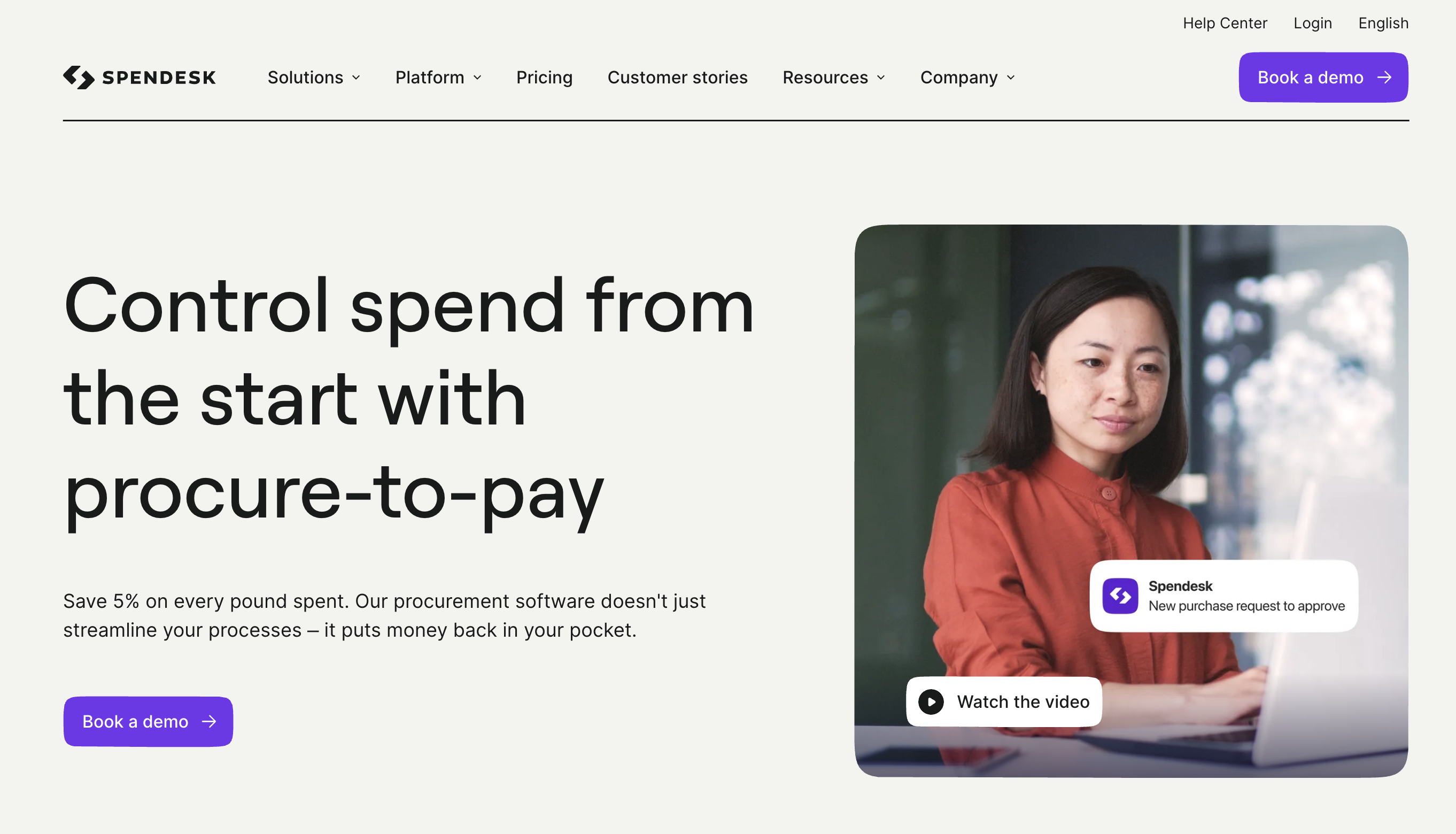
Spendesk is Europe's leading spend management platform for finance teams at companies with 50 to 250 employees. Where most expense tools handle receipts and reimbursements in isolation, Spendesk unifies corporate cards, invoice management, purchase orders, employee reimbursements, and spend analytics in a single procure-to-pay platform. It is FCA and ACPR licensed and operates across 29 EEA countries, the UK, and the US.
Core Features
Unified spend management platform covering the full procure-to-pay lifecycle
Physical and virtual prepaid Mastercards with per-transaction limits up to €200,000 on virtual cards
AI-powered invoice processing with OCR, configurable approval workflows, and SEPA/Faster Payments
"No PO, No Pay" enforcement with purchase orders and multi-step approval hierarchies
Employee reimbursements and expense management
Real-time budget tracking and spend analytics
International payments in 30+ currencies via Wise Platform
Native integrations with Xero, QuickBooks, Sage, NetSuite, DATEV, Microsoft Business Central, Workday, BambooHR, and Personio
Pros
All-in-one spend control: Combining cards, invoices, purchase orders, and expenses in one platform gives finance teams a single source of truth and eliminates tool-switching across the spending lifecycle.
Pre-approval enforcement: Configurable approval workflows and "No PO, No Pay" controls stop unauthorised spending before it happens rather than catching it during reconciliation.
European regulatory depth: FCA and ACPR licensed with native VAT handling, HMRC-compliant exports, DATEV integration for German entities, and multilingual support — built for European compliance requirements, not retrofitted for them.
Prepaid card model: Prepaid Mastercards with per-transaction limits give finance teams precise control without the liability exposure of charge cards.
Predictable costs at scale: Unlimited users and unlimited virtual cards across all paid plans means pricing does not increase as headcount grows.
Cons
Designed for companies with 50 to 1,000 employees — solo founders or very small teams with simple expense needs may not require the full platform depth.
Pricing is not publicly listed; teams must contact Spendesk directly for a custom quote.
Average onboarding runs approximately six weeks, which requires upfront planning from finance teams before going live.
Who It’s For
Spendesk is built for finance managers, controllers, and CFOs at European mid-market companies that need to control spending across cards, invoices, and procurement in one place. It is especially well-suited to companies operating across multiple European entities, currencies, or countries, and to finance teams that need pre-approval workflows rather than after-the-fact reconciliation.
Unique Value Proposition
Spendesk is the only European platform to combine a full procure-to-pay workflow — purchase requests, approval routing, PO generation, 3-way matching, and supplier invoice payment — with corporate cards and expense management in a single system. Finance teams gain control over spending before it occurs, not after. The breadth of European accounting integrations and the prepaid card model reduce both financial risk and reconciliation overhead.
Real World Use Case
A European company with 300 employees replaces a mix of spreadsheets, manual invoice approvals, and paper receipts with Spendesk. Finance sets per-card spending limits, routes purchase requests through configurable approval chains, and syncs all transactions directly to their accounting system. Month-end close time shortens and the finance team gains real-time budget visibility across every department.
Pricing
Pricing is not listed publicly. Contact Spendesk for a custom quote based on company size and required modules. All paid plans include unlimited users and unlimited virtual cards with no per-seat or per-card charges.
Website: https://spendesk.com
Brex
At a Glance
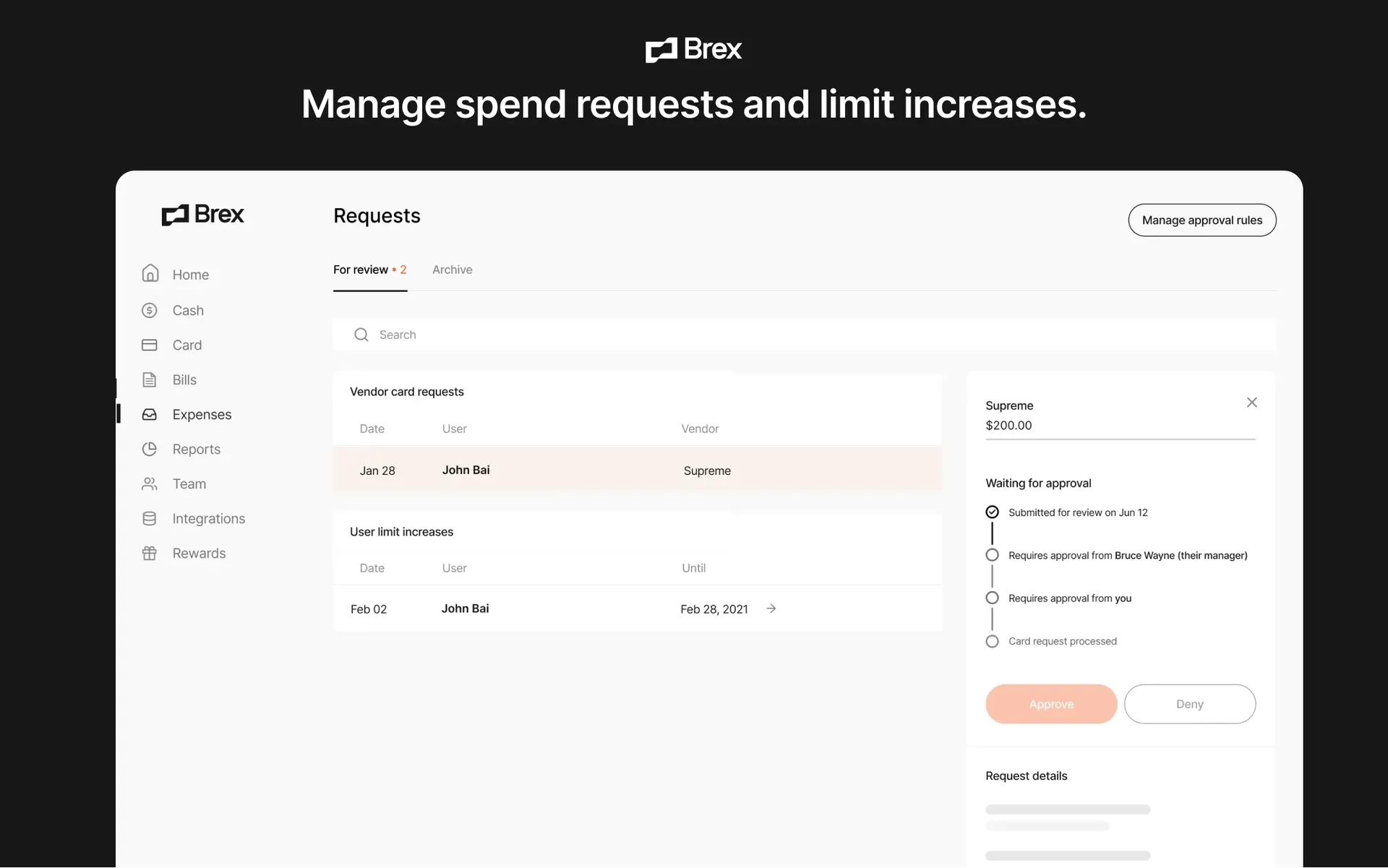
Brex is a modern spend management platform that combines corporate cards, expense management, bill pay, travel booking, reimbursements, and business banking tools into a single financial operating system. Originally built for startups, Brex has expanded to serve scaling companies and global enterprises, with strong support for multi-entity operations, international spending, and automated financial controls. The platform is particularly popular among venture-backed startups, technology companies, and businesses managing distributed teams. Brex operates globally, supporting local card issuance and spend management across more than 50 countries.
Core Features
Corporate cards with built-in spend controls, approval workflows, and merchant restrictions
Expense management with AI-powered receipt matching and automated policy enforcement
Bill pay and accounts payable automation
Employee reimbursements in local currencies across multiple countries
Real-time budget management through Live Budgets™
Integrated travel booking and travel expense management
Multi-entity and multi-currency spend management
Accounting automation with ERP integrations including QuickBooks and NetSuite
AI-powered transaction categorization, compliance monitoring, and audit detection
Physical and virtual cards with customizable spending limits and approval chains
Pros
Strong spend controls at the point of purchase: Brex automatically applies company policies during transactions, helping finance teams prevent out-of-policy spending before it occurs rather than identifying issues during reconciliation.
Unified finance platform: Cards, reimbursements, bill payments, travel, budgets, and expense management operate within a single system, reducing administrative complexity and data silos.
AI-powered automation: Automated receipt matching, transaction categorization, approval routing, and accounting workflows reduce manual effort for both employees and finance teams.
Global capabilities: Local-currency cards, international reimbursements, multi-entity support, and spending controls across global teams make Brex well-suited for internationally distributed organizations.
Flexible entry point: Brex offers a free Essentials plan that includes corporate cards, expense management, reimbursements, bill pay, and accounting integrations, making it accessible for growing companies.
Cons
Most valuable features require paid plans: Advanced approval workflows, multi-entity management, dynamic review chains, and enhanced compliance tools are reserved for Premium and Enterprise tiers.
Startup heritage remains evident: While Brex now serves larger organizations, many of its strongest features and workflows remain particularly optimized for high-growth technology companies and venture-backed businesses.
Enterprise implementations may require configuration: Organizations with complex accounting structures, custom ERP requirements, or extensive entity hierarchies should expect a more involved setup process.
Who It’s For
Brex is best suited for startups, scale-ups, and mid-market companies that want to centralize cards, expenses, reimbursements, bill payments, travel, and budgeting within a single platform. It is particularly valuable for companies operating across multiple entities or countries, finance teams seeking real-time spend visibility, and organizations that want policy enforcement to happen automatically at the point of spending rather than after expenses are submitted.
Unique Value Proposition
Brex differentiates itself by combining spend management, corporate cards, travel management, bill pay, reimbursements, and financial operations into a single platform with AI-driven automation throughout the workflow. Rather than functioning solely as an expense management tool, Brex acts as a broader financial operating system that helps finance teams manage spending, compliance, approvals, and reporting from one centralized environment.
Real World Use Case
A fast-growing SaaS company with 250 employees across the United States and Europe uses Brex to issue corporate cards, manage software subscriptions, reimburse remote employees, process vendor payments, and oversee departmental budgets. Finance leaders create automated approval workflows, enforce spending policies at the transaction level, and sync data directly into their ERP. Employees spend without filing traditional expense reports, while finance gains real-time visibility into company-wide spending and budget performance.
Pricing
Essentials: Free plan with corporate cards, expense management, bill pay, reimbursements, accounting integrations, reporting, and API access.
Premium: Starts at $12 per user per month and adds advanced expense policies, dynamic approval chains, multi-entity support, compliance monitoring, VAT documentation, and live budgets.
Enterprise: Custom pricing for larger organizations requiring global entity management, local card issuance, dedicated support, and customized implementation services.
Website: https://brex.com
Expensify
At a Glance
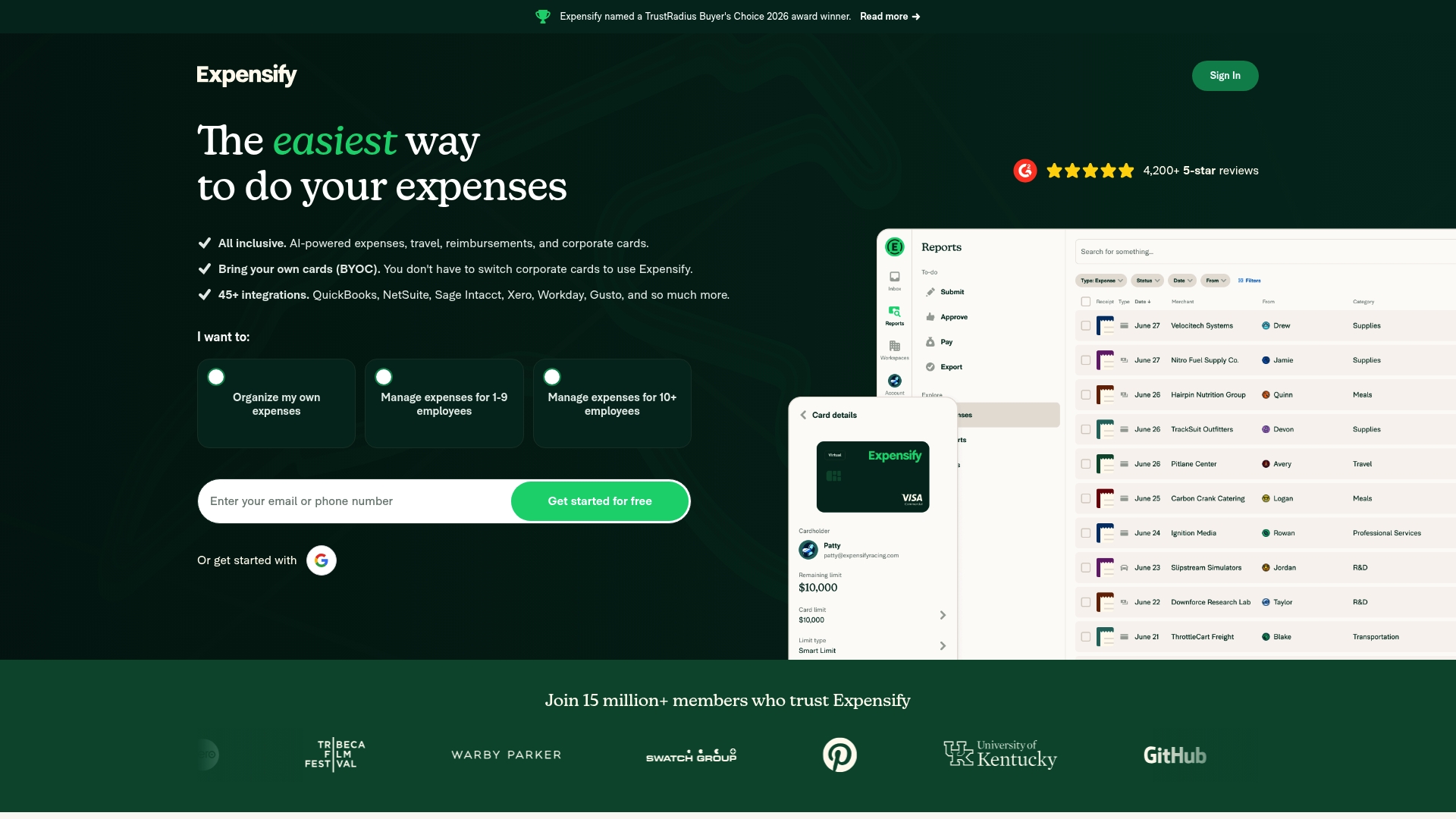
Expensify is an all in one expense management platform that simplifies tracking, approvals, reimbursements, and travel booking for teams and individuals. Its clean interface and automation reduce manual work and speed up month end reconciliations.
Core Features
Expensify centralizes expense management, receipt scanning, virtual cards, travel booking, and accounting integrations into a single workflow. The app creates, submits, approves, and reimburses expense reports while syncing transactions to QuickBooks, NetSuite, Xero, and more. AI helps flag policy violations and automate categorization.
Pros
User friendly interface: The dashboard and mobile app make submitting receipts and approving reports fast and intuitive for new users.
Strong automation: AI powered categorization and policy checks reduce manual bookkeeping and cut review time.
Broad integrations: Native connections to major accounting and payroll platforms simplify reconciliation and reporting for finance teams.
Mobile first design: Receipt capture by photo, email, or upload makes on the go expense management simple and reliable.
Multiple finance features: Virtual cards, travel booking, and BYOC support provide a single place to manage spend and travel.
Cons
Pricing plans might feel complex for smaller teams who want predictable monthly costs rather than tiered features.
Several advanced features are gated behind higher tier plans which requires an upgrade for travel or virtual card capabilities.
Some functionality depends on internet connectivity which impacts users who often work offline or in low signal areas.
Who It’s For
Expensify fits founders, freelancers, and millennial entrepreneurs running side ventures who need fast expense capture and simple approvals. Small teams get value from automated bookkeeping and travel booking. Larger organizations benefit from controls, reporting, and virtual card scaling.
Unique Value Proposition
Expensify combines receipt scanning, real time expense workflows, and unlimited virtual cards with deep accounting integrations. That mix shortens cycle times for reimbursements and reduces manual reconciliation work across teams and finance systems.
Real World Use Case
A medium sized company uses Expensify to automate expense report submissions, book corporate travel, and reconcile credit card feeds automatically. Finance reduces errors, closes books faster, and gives employees faster reimbursements while maintaining policy controls.
Pricing
Most features are free for individuals. Business plans start at $5 per member per month for the Collect plan. The Control plan offers advanced features and uses custom pricing based on company size and needs.
Website: https://expensify.com
Zoho Suite
At a Glance
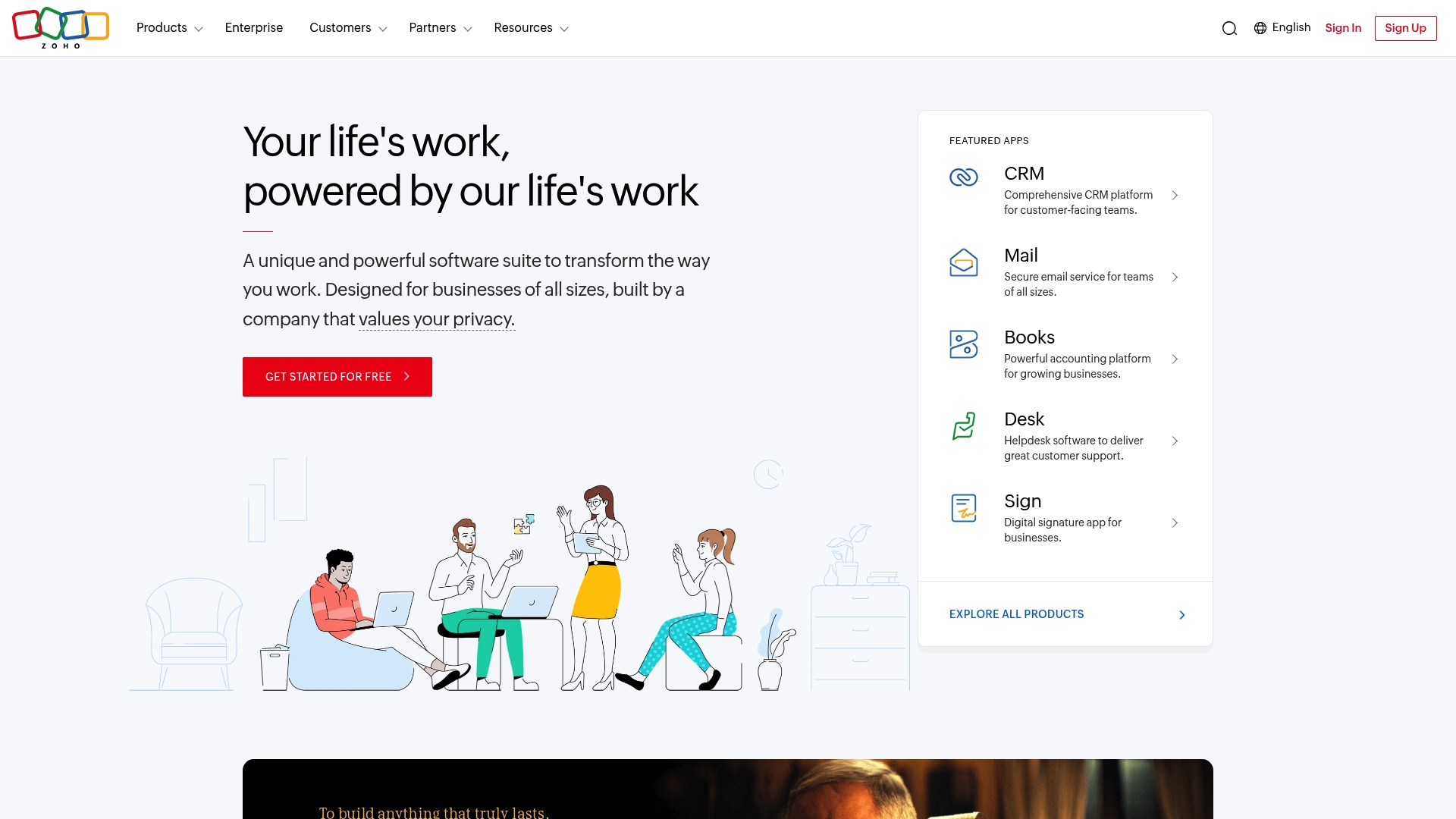
Zoho Suite is a broad cloud business platform that bundles CRM, finance, HR, marketing, collaboration, and security tools into a single ecosystem. Its strength is unified coverage and strong privacy focus, though newcomers face a learning curve when adopting the full platform.
Core Features
Zoho centers its offering on the Zoho One operating system that links apps across business functions and data. The suite includes embedded AI assistant Zia, deep customization, and thousands of extensions to adapt to specific workflows.
Over 2000 ready to use extensions across 40 plus categories to extend functionality without heavy coding.
Unified platform for CRM, finance, HR, marketing, collaboration, and security that reduces data silos and repetitive integrations.
Zoho One operating system that integrates apps for centralized administration and reporting.
AI Assistant Zia embedded for automation and insights across multiple apps.
Customizable applications that let you tailor workflows and fields to your exact business needs.
Pros
Comprehensive suite: It delivers end to end coverage so you avoid stitching together multiple standalone tools.
High customization: Administrators can modify apps and workflows to match unique business processes.
Strong privacy and security focus: Zoho emphasizes data protection and long term commitment to customer privacy.
Large resource network: Extensive documentation and community support help you solve problems quickly.
Cost effective for breadth: Consolidating apps under one vendor can lower costs versus many separate subscriptions.
Cons
Complexity for new users: The vast product catalog creates confusion for teams that only need basic tools.
Learning curve to use fully: Getting value from advanced features and cross app automation requires time and training.
Potential overkill for very small operations: Micro businesses with simple needs may find Zoho Suite more than they need.
Who It’s For
Zoho Suite fits businesses that want an integrated, privacy conscious cloud platform and plan to scale. It matches founders who prefer deep customization and centralized control over separate point solutions. If you run multiple business functions and want one vendor, this is a natural choice.
Unique Value Proposition
Zoho combines broad functional coverage with embedded AI and thousands of extensions so teams can build a tailored digital workspace. The value is a single vendor model that reduces integration overhead while keeping data centralized and private.
Real World Use Case
A mid sized company can deploy Zoho CRM for customer workflows, Zoho Books for accounting, Zoho People for HR, and Zoho Projects for task tracking to unify operations. That setup improves hand offs and gives managers consolidated reporting.
Pricing
Pricing varies by individual application and plan. Zoho offers free tiers for some tools and paid plans for advanced features and enterprise use, so you can start small and expand as needs grow.
Website: https://zoho.com
Rydoo
At a Glance
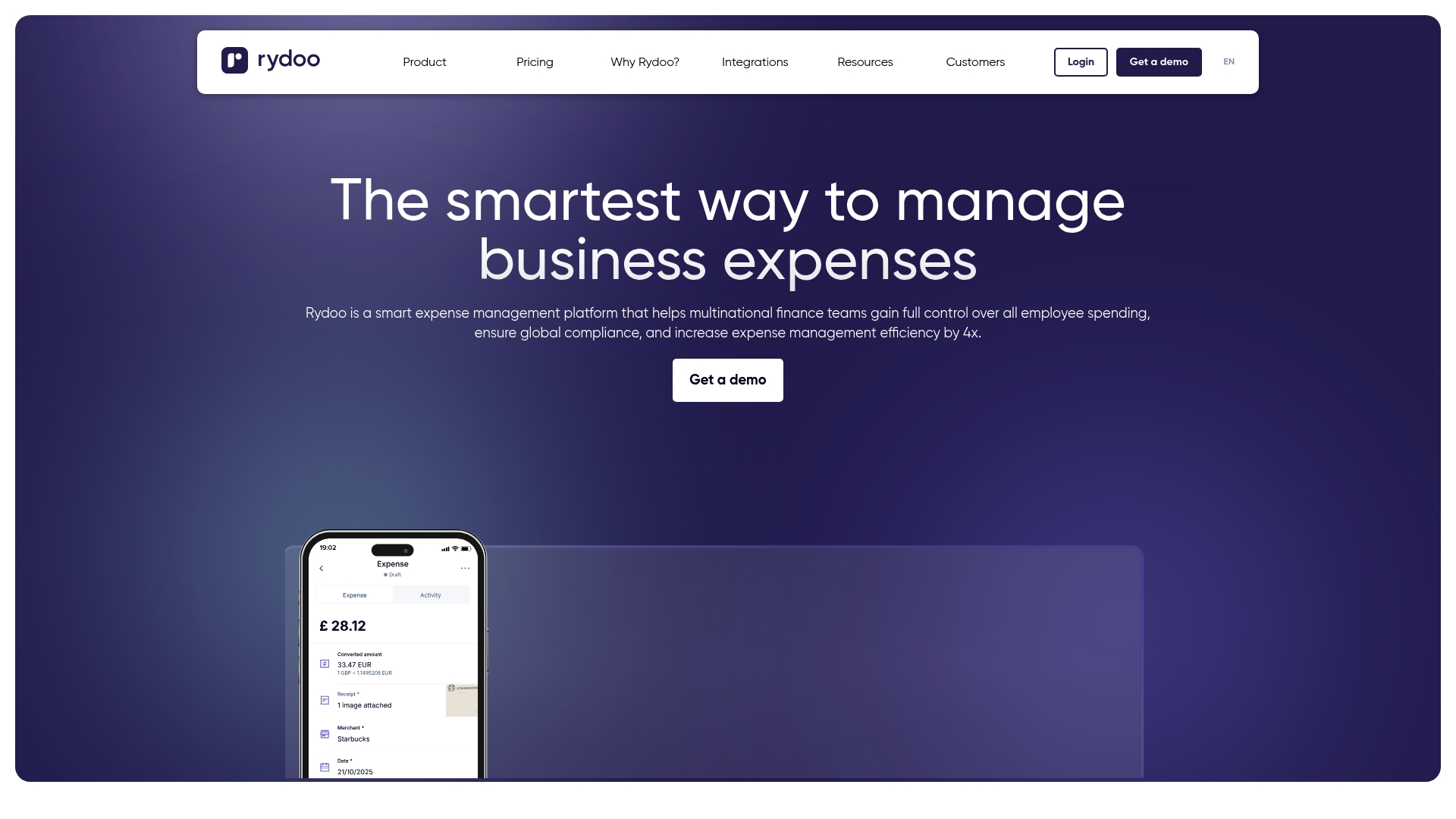
Rydoo presents a focused expense management solution that helps multinational finance teams gain control of employee spending and increase expense management efficiency by 4x. Its combination of mobile tools, cards, and automation targets complex compliance needs across countries.
Core Features
Rydoo centers on an expense management platform built for auditing, approvals, and corporate policy enforcement. The product combines a mobile expense app, physical and virtual expense cards, and an AI powered receipt scanner to speed submission and reduce manual data entry.
Expense management platform for controlling and auditing expenses
Mobile expense app for on the go expense submission
Physical and virtual expense cards for spend control
AI powered receipt scanner for quick expense reporting
Per diem management, automated approvals, and mileage tracking
Smart Audit for detecting non compliance and errors
Analytics, credit card reconciliation automation, and integrations with ERP, HR, Travel, and Finance tools
Pros
Comprehensive expense features: Rydoo covers reporting, cards, per diem, reconciliations, and analytics which reduces the need for multiple tools.
Strong integrations: The platform links with ERP, HR, Travel, and Finance systems so finance teams can close the loop on data and workflows.
AI assisted automation: The AI powered scanner and Smart Audit reduce manual work and help flag non compliance early in the process.
Support and resources: Rydoo offers guidance and resources that help multinational teams implement consistent policies across regions.
Enterprise credibility: The platform is built for complex organizations and aligns with compliance standards used by larger companies.
Cons
Pricing transparency is limited: The website does not list specific pricing details which makes budget planning harder for small teams.
May be complex for very small businesses: The breadth of features can overwhelm startups or solo founders who only need simple expense tracking.
Interface and usability not detailed: The available information does not describe the user interface or onboarding experience in depth which leaves questions about ease of adoption.
Who It’s For
Rydoo is aimed at medium to large multinational companies that handle cross border travel, compliance rules, and high volumes of expense reporting. Finance teams that need centralized controls and audit trails will see the most value.
Unique Value Proposition
Rydoo combines card controls, automated reconciliation, and AI based receipt handling into a single suite that focuses on compliance and scale. That combination reduces manual reconciliation work and supports consistent policy enforcement across multiple countries.
Real World Use Case
A multinational corporation uses Rydoo to automate expense reporting across offices in several countries, cutting manual approvals and improving audit readiness. Finance teams report faster reimbursements and clearer spend visibility across business units.
Pricing
Pricing is not specified on the website which means teams must contact Rydoo for quotes tailored to company size and feature needs.
Website: https://rydoo.com
SAP Concur
At a Glance
SAP Concur is a comprehensive spend management platform that combines expense reporting, travel booking, and invoice processing on a single system. It targets organizations that need centralized control over employee spending and travel programs.
SAP Concur works well for companies with complex workflows and global operations, but smaller teams may find the setup and pricing more than they need.
Core Features
The platform bundles Concur Expense, Concur Travel, and Concur Invoice alongside data insights and cross system integration. It supports automated expense capture, corporate travel booking, invoice automation, and analytics to reveal spending patterns across departments.
Integrations include connections to SAP, ADP, NetSuite, QuickBooks, and Xero to help sync financial data with existing accounting and payroll systems.
Pros
Unified platform: It connects expense, travel, and invoice management so teams use one source of truth for spend data.
Feature breadth: A wide range of tools supports different industries and company sizes with both basic and advanced workflows.
Strong integrations: Native links to major finance and ERP systems reduce manual data entry and reconciliation work.
Actionable analytics: Built in reporting provides insights that help control costs and spot policy exceptions.
Global support: Localized solutions and multinational reach help companies manage compliance and currency differences.
Cons
Complexity for small teams: The platform’s feature set and configuration options can overwhelm new users and very small businesses.
Opaque pricing: Pricing is provided on request and varies with customization, which makes budgeting upfront difficult for startups and side ventures.
Potentially costly: For organizations with simple expense needs, total cost can be high compared with lighter alternatives.
Who It’s For
SAP Concur suits businesses of all sizes that need an integrated approach to travel, expense, and invoice management. It particularly fits companies with frequent travel, multiple offices, or strict compliance requirements that benefit from centralized controls.
Smaller side projects or solo founders with minimal expense volume may find the platform more robust than necessary.
Unique Value Proposition
SAP Concur’s strength is its ability to combine travel, expense, and invoice workflows with enterprise grade integrations and reporting. That combination delivers consolidated spend visibility for finance teams managing complex programs across countries and currencies.
The product emphasizes governance and insight rather than minimal setup or bare bones expense capture.
Real World Use Case
A multinational corporation deploys SAP Concur to standardize expense reporting, manage corporate travel itineraries, and automate invoice approval across global offices. The company reduces manual processing, improves policy compliance, and gains consolidated reports for executive budgeting.
Local finance teams still configure rules to match regional tax and regulatory needs while feeding unified spend data to corporate reporting.
Pricing
Pricing is available on request and is tailored to organization size, required modules, and integrations. Contact SAP Concur for a custom quote and to compare configuration options for small, mid market, and enterprise plans.
Website: https://concur.com
QuickBooks
At a Glance
QuickBooks is a full featured accounting platform that brings automation and AI-driven insights to small and growing businesses. It simplifies bookkeeping while offering plans that scale from solo entrepreneurs to mid sized teams.
The product includes a current promotion of 50% off for three months and a free 30 day trial with live expert assistance, which helps you test features before committing.
Core Features
QuickBooks centers on automated bookkeeping and expense categorization paired with reporting and payments. The interface supports invoicing, bill management, and multi user collaboration for accountants and team members.
Automation of bookkeeping and expense categorization
Financial reporting including profit and loss and sales reports
Invoicing and payment processing via QuickBooks Payments
Bill management and payment automation
AI powered insights for taxes, leads, accounting, and payments management
Pros
Flexible plans for different business sizes make it easy to start small and upgrade as your needs grow.
Integration with over 800 third party apps allows you to connect point of sale systems, payroll, ecommerce platforms, and more.
AI driven insights and automation tools reduce manual bookkeeping and highlight tax deductions and cash flow signals.
Accessible online through any web browser or mobile app so you can manage finances while running a store, freelancing, or during classes.
Support for multiple users and accountants lets you invite collaborators and work with your accountant in the same workspace.
Cons
Pricing and available features vary depending on the selected plan which makes direct comparisons tricky for budget conscious founders.
Some features such as the mobile app functionality and certain integrations are not available with the free tier which limits testing on the trial alone.
The platform can be complex for new users without prior accounting knowledge which means a learning period for accurate bookkeeping.
Who It’s For
QuickBooks fits small to medium sized businesses, entrepreneurs, and side hustlers who need a scalable accounting system with automation and third party connections. It also suits teams that plan to collaborate with accountants or add ecommerce sales channels.
Unique Value Proposition
QuickBooks combines broad accounting feature coverage with deep integrations and AI suggestions that surface deductions and cash flow insights. The live expert assistance available during the free trial helps founders get set up faster and reduce early mistakes.
Real World Use Case
A small retail store uses QuickBooks to automate daily sales entries, reconcile expenses, run payroll, and generate monthly profit and loss reports for planning inventory and hiring. The automation frees time to focus on customers.
Pricing
Plans start at $19/month with discounts available for the first three months and a current promotion offering 50% off for three months. A 30 day free trial with live expert assistance is available to test the platform.
Website: https://quickbooks.intuit.com
Business Management Tool Comparison
A detailed overview of top business management tools to assist organizations in improving efficiency and decision-making processes.
Product | Key Features | Pros | Cons | Pricing |
|---|---|---|---|---|
Spendesk | Unified spend management, no PO no pay, AI-powered processing | All-in-one spend control, Pre-approval enforcement, European regulatory depth, Prepaid card model, Predictable costs at scale | for companies 50-1000, Pricing is not publicly listed, Average onboarding runs approximately six weeks | Pricing not publicly listed. |
Expensify | Expense management, receipt scanning, integrations | User-friendly, mobile-first, automations reduce manual work | Tiering may be complex for small teams, internet dependency for some functions | From $5/member/month |
Zoho Suite | CRM, HR, marketing, AI assistant Zia | Comprehensive coverage, high customization, privacy-focused | Complexity for small users, steep learning curve | Varies by application |
Rydoo | Mobile app, expense cards, AI receipt scanner | Comprehensive features, strong integrations, AI-supported automation | Pricing not provided, potential overkill for small businesses | Pricing not specified |
SAP Concur | Expense, travel, and invoice management | Unified platform, global support, robust analytics | High costs for simple needs, pricing opacity | Pricing on request |
QuickBooks | Automated bookkeeping, expense categorization, integrates with 800+ apps | Scalable plans, AI-powered insights, multi-user access | Complexity for beginners, plan-dependent features | From $19/month |
Emburse Professional | Unified expense, travel, and invoice workflows | Ease of use, strong analytics, customizable | May be complex for small organizations, unclear pricing | Pricing on request |
Streamline Your Startup Expenses with Smart Business Validation
Tracking expenses is crucial, but early stage founders face the bigger challenge of turning their ideas into profitable, sustainable businesses while managing cash flow. The “Top 7 Business Expense Tracking Software 2026” article highlights the importance of precise expense management alongside tools that reduce manual work and increase visibility. However, entrepreneurs often struggle with prioritizing validation steps and avoiding costly mistakes during this critical phase.
With siift.ai, you get more than just expense tracking insights. Our Intelligent Business Canvas offers personalized feedback and prioritized actions that help you validate your business idea systematically. Designed for founders who want to cut through uncertainty and focus on what truly moves their startup forward, siift.ai complements your financial controls with strategic guidance to accelerate your journey to product market fit. Start de risking your venture today by visiting siift.ai and experience founder-focused AI in action.
Frequently Asked Questions
What features should I look for in business expense tracking software?
Business expense tracking software should include features like receipt scanning, automated expense categorization, and robust reporting tools. Prioritize systems that integrate with your accounting software to streamline financial processes and reduce manual entry.
How can expense tracking software improve my business’s financial management?
Expense tracking software can enhance financial management by automating manual tasks, providing real-time insights into spending, and enforcing budget controls. Implementing a solution can help reduce errors and save time during month-end reconciliations, often decreasing processing time by up to 30%.
Are there mobile options available for tracking expenses on the go?
Yes, many business expense tracking software solutions offer mobile applications that allow users to manage expenses anytime, anywhere. Download the app, capture receipts, and submit expenses directly from your mobile device to ensure timely reporting.
How do I ensure compliance with company spending policies using expense tracking software?
To ensure compliance, choose software that allows you to set specific spending limits and automate approval workflows. Regularly review the data and reports generated by the software to identify any policy breaches and address them promptly.
What is the typical implementation timeline for expense tracking software?
The implementation timeline for expense tracking software can vary widely, ranging from a few days to several weeks, depending on the complexity of your business needs. Aim to allocate at least 2-4 weeks to thoroughly configure and train your team on the new system.
How can I evaluate the cost-effectiveness of expense tracking software?
Evaluate cost-effectiveness by comparing the software’s pricing plans with the potential savings from reduced manual work and fewer errors. Track performance metrics such as time saved during expense reporting and increased accuracy to quantify savings, ideally within the first quarter of use.