
Building and validating a startup idea often turns into a maze of scattered workflows, ad-hoc docs, and lost customer signals. Most generic project management tools focus on lists and boards but leave founders without guided validation steps or decision frameworks. This comparison explains how each alternative addresses or sidesteps the validation gap so founders can pick a tool that drives product-market fit, not just project tracking.
Table of Contents
siift.ai
At a Glance
Agentic AI guides founders through step-by-step validation, ideation, and go-to-market workflows. According to the company, Siift accelerates progress toward product-market fit more efficiently than generic tools like Claude or Openclaw. The service focuses on de-risking early-stage ventures by filtering market signals and blindspots.
Core Features
Siift combines natural language conversations with AI-driven idea organization and prioritization, market and customer validation tools, and structured workflows for business development. The platform also produces automatic synthesis of business insights and strategies to help founders move from concept to a prioritized plan. These elements work together inside Siift’s New Business OS to keep decisions evidence oriented.
Key Differentiator
The standout capability is the way conversational AI ties directly into validation templates and decision workflows. That link turns freeform ideas into a sequence of tested steps, helping teams prioritize customer segments and next experiments rather than juggling notes and spreadsheets.
Pros
Siift surfaces market signals and turns them into concrete validation tasks, which helps founders reduce guesswork and focus on demand signals. Natural language interaction makes it easier to iterate on value propositions without building formal decks or hiring consultants. User testimonials included in the vendor materials highlight clarity of thinking and faster decision cycles from the synthesis and prioritization features.
Cons
- Focus primarily on early-stage ideation and validation. Not suited for mature operations or complex scaling and does not replace hands-on operational support.
Who It’s For
Solo entrepreneurs, early-stage startup founders, and small teams who need structured guidance for idea validation and product-market fit work. The platform suits people who prefer conversational input over building formal product spec documents. It is not intended for teams looking for back-office tools or full operational systems.
Unique Value Proposition
An agentic New Business OS that pairs conversational AI with validation workflows to produce a prioritized, testable plan. That structure reduces wasted experimental runs and clarifies which customer signals to chase first. The result is faster alignment on go-to-market steps and clearer trade-off decisions for limited resources.
Real World Use Case
A founder testing a new SaaS concept runs market research prompts inside Siift, then refines the value proposition through conversation. The platform ranks customer segments by signal strength, suggests early experiments, and synthesizes findings into a short roadmap. The founder leaves with prioritized next steps instead of a vague to-do list.
Pricing
Pricing is not listed publicly. The vendor describes the product as subscription or tier based, but exact tiers and costs are not specified. Prospective customers should expect a recurring plan model rather than a one-time license.
Website: https://siift.ai
Notion
At a Glance
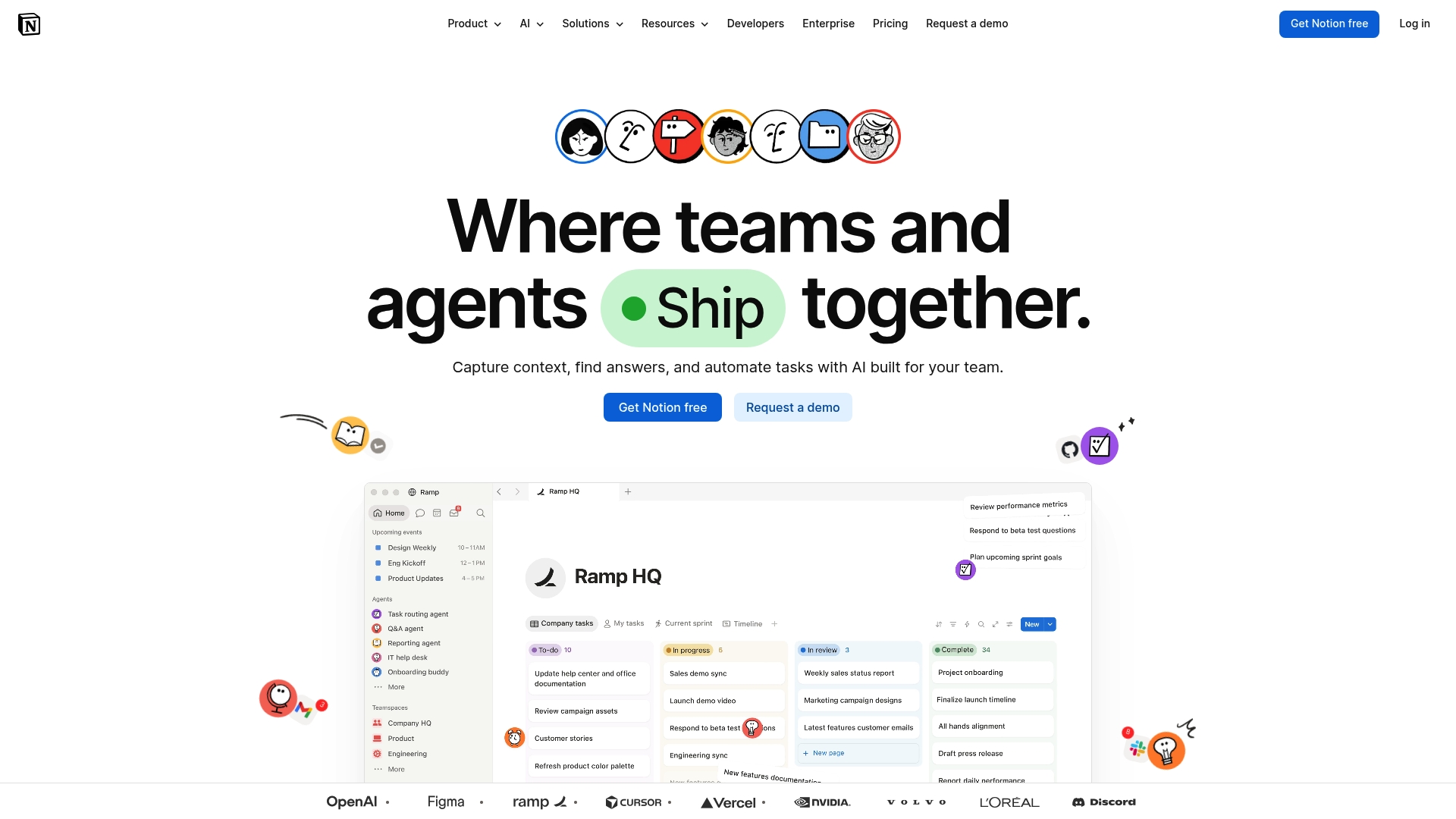
Notion includes built-in AI agents that automate repetitive work and route tasks across pages and databases. The app combines notes, task lists, and databases inside a single workspace available on web, desktop, and mobile. It offers free tiers and paid plans that scale to enterprise needs.
Core Features
Notion provides a unified workspace for notes, tasks, databases, and team collaboration, with flexible templates and page building. The product embeds built-in AI tools for writing, summarization, and information retrieval, plus AI agents that handle routine processes. Enterprise-grade access controls and customizable integrations connect workspaces to collaboration and dev tooling.
Key Differentiator
Notion integrates AI-powered automation and knowledge management into one customizable workspace. That combination lets teams store documentation, run workflows, and add automated agents without stitching separate tools together. For teams focused on reducing tool sprawl, that integration is the main advantage.
Pros
Notion shines as an all-in-one environment that reduces context switching between notes, tasks, and databases. Its AI tools speed writing and produce summaries that cut review time. The workspace is highly customizable with many templates and a broad community that shares setups and help. Enterprise features deliver governance and access controls useful for regulated teams.
Cons
- The interface can feel complex for new teams, and the learning curve requires upfront setup and training.
- Premium features and enterprise plans can be costly for small budgets.
- AI features operate via cloud services and carry privacy trade-offs that matter for sensitive data.
- Offline functionality is limited compared to fully local applications, which affects fieldwork or low-connectivity use.
When It May Not Fit
If your team requires full offline editing or strict on-prem deployment, Notion may not meet that need because offline features are limited. If data residency or strict privacy controls govern your workflows, the cloud-based AI features add complexity. Teams seeking a turnkey enterprise rollout should plan for additional setup and training.
Notable Integrations
- Slack
- Google Drive
- Github
- Zapier
- Microsoft Teams
- Asana
- Jira
Who It’s For
Notion fits business teams, project managers, and knowledge workers who want a single place for documents, tasks, and databases. It works for startups and small businesses that value flexibility. Large enterprises will find governance and automation useful, though they should budget for rollout and training.
Real World Use Case
A marketing team uses Notion to coordinate campaigns, manage creative assets, and track deadlines across departments. They rely on AI to generate meeting notes, summarize briefs, and route tasks to the right owners.
Pricing
Notion offers a Free tier plus paid plans. The Plus plan is $10 per user/month and the Business plan is $20 per user/month. Custom Enterprise plans are available for large organizations.
Website: https://notion.com
Asana
At a Glance
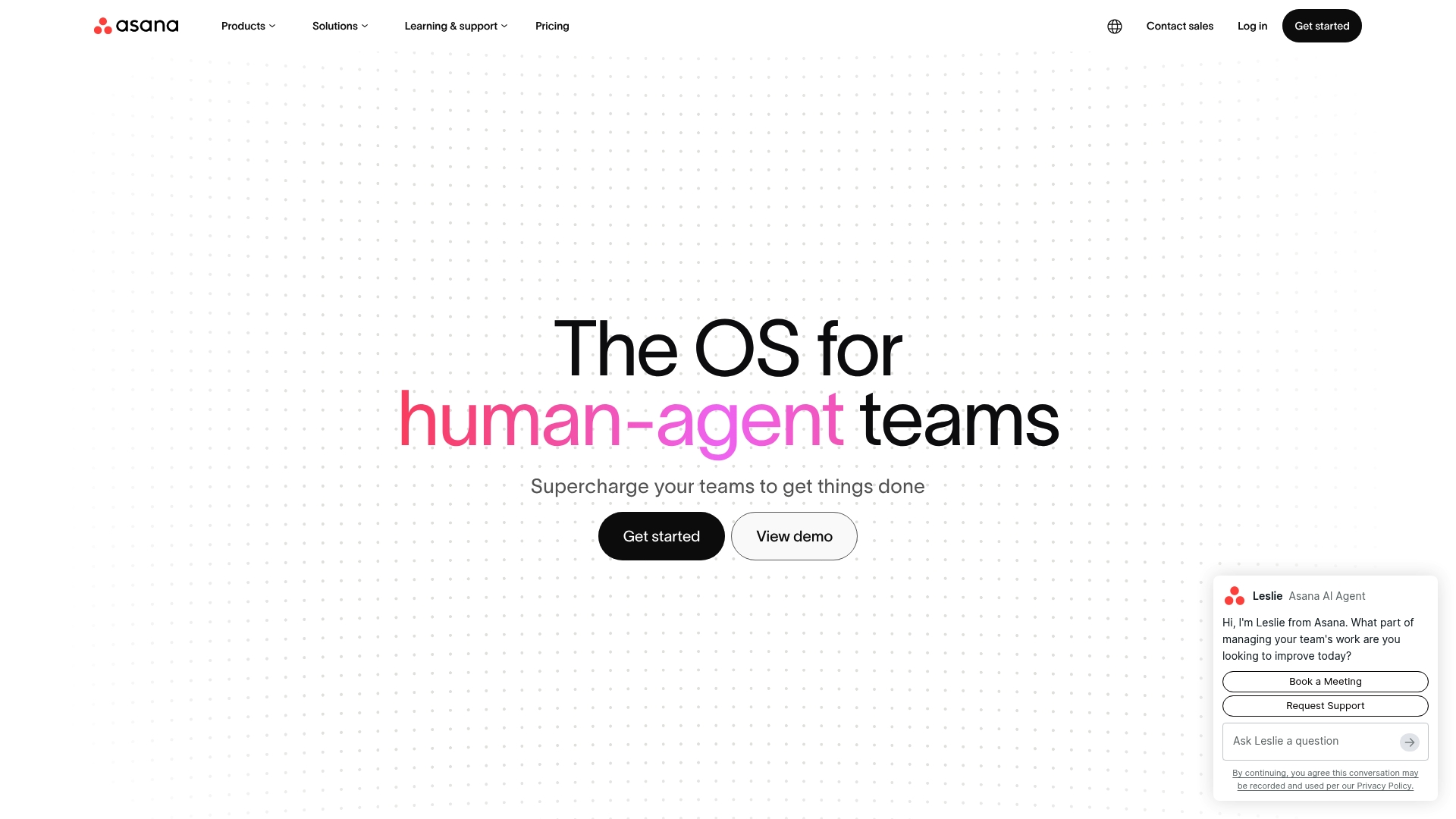
Asana’s shared memory lets AI teammates learn from team workflows and feedback. That design links tasks, goals, dependencies, and people into a single work graph. The result is tighter context for automation and fewer repeated clarifying messages across teams.
Core Features
Asana pairs a work graph with AI powered tools to connect tasks, goals, dependencies, and people. The platform includes AI Teammates for pre built task automation and AI Studio for no code automation of repetitive work. Shared memory and scoped permissions support AI learning while preserving enterprise governance and audit trails.
Key Differentiator
The product stands out for deep AI integration plus governance controls that let teams train AI from workflow signals. This approach makes AI tasks adapt to actual team behavior while keeping permission boundaries and audit logs. That focus suits mid sized and large organizations more than solo founders or lean teams focused on rapid idea validation with Siift.
Pros
Asana scales from small teams to enterprise organizations and offers governance features that large IT and security teams require. Its AI features reduce manual coordination by surfacing context from the work graph and automating routine tasks. The platform integrates with common office systems and supports compliance through scoped permissions and audit trails. Strong industry recognition and positive reviews appear in vendor materials, which suggests broad market adoption.
Cons
- Some features require paid plans or enterprise tier. This restricts access for teams on free or low cost plans.
- The platform can feel complex for new users. Large setups need planned onboarding and internal training.
- Third party AI model training policies limit how vendor tools use uploaded data. That may reduce customization options for highly sensitive datasets.
When It May Not Fit
If you are a solo founder or a two person team focused on quick validation, Asana can add too much setup overhead. If your workflows must keep all AI training on premises, vendor model policies could prevent the level of customization you need. Organizations that prefer a lightweight notes first tool should look elsewhere.
Notable Integrations
- Microsoft Excel
- Google Sheets
- Google Drive
- SharePoint
- Microsoft Word
- Google Docs
Who It’s For
Mid sized to large organizations that need work management plus enterprise grade AI governance will find Asana a strong match. Cross functional teams that coordinate product launches, marketing campaigns, or IT rollouts will use the shared context and automations most. Smaller founder led teams seeking step by step business validation are likely better served by a simpler toolkit.
Real World Use Case
A Fortune 100 company deploys Asana’s AI Teammates and workflow automation to speed product launches. Teams reduce manual handoffs and gain visibility across departments. The shared memory keeps context intact across multiple parallel projects.
Pricing
Asana uses tiered subscriptions with free, premium, and enterprise level options. Exact plan features and prices are available on the vendor website. Contact Asana sales for enterprise quotes and user based licensing details.
Website: https://asana.com
ClickUp
At a Glance
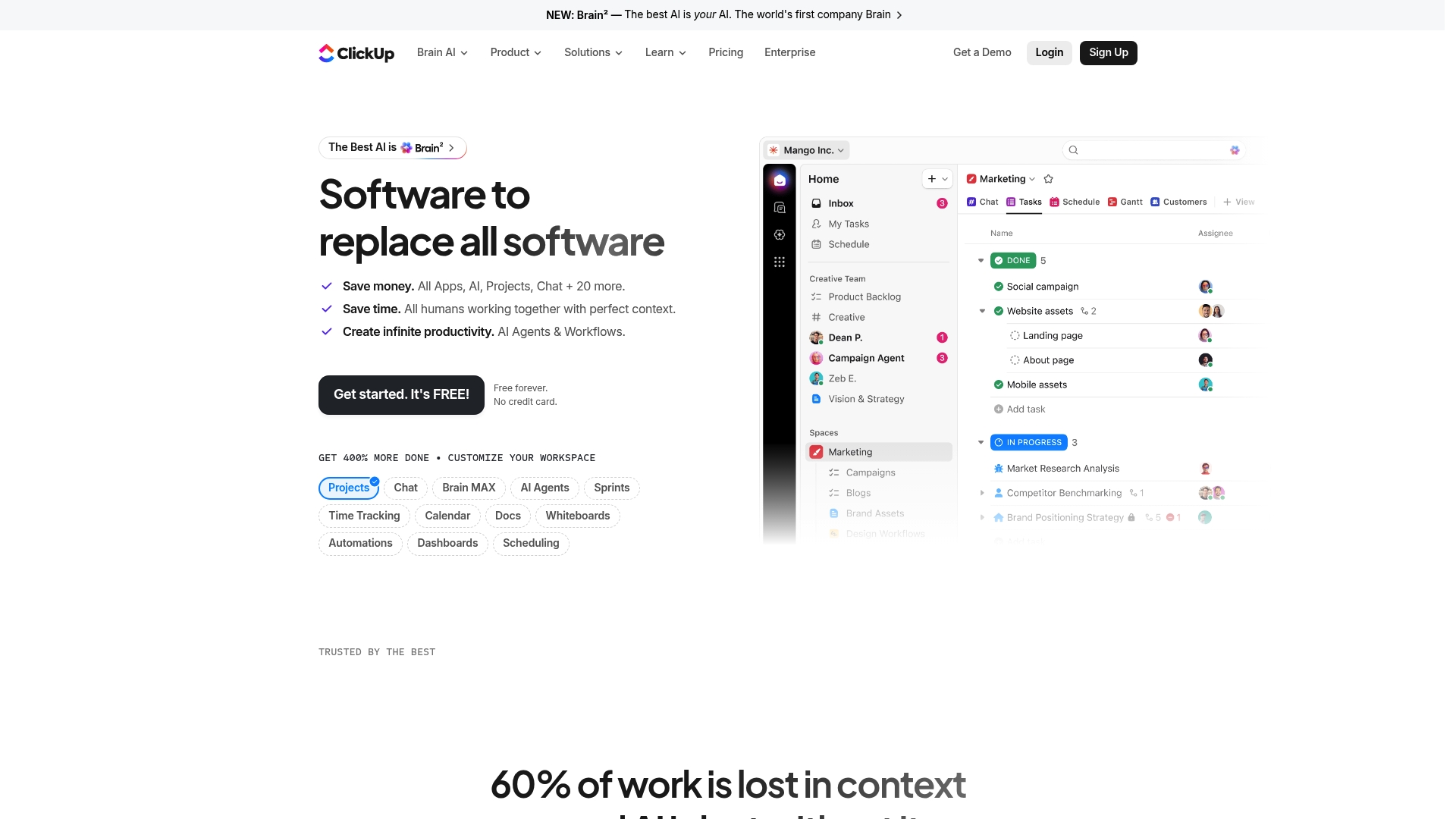
ClickUp offers a free forever plan that does not require a credit card. The vendor advertises AI agents alongside docs, chat, time tracking, and workflow automation in a single workspace. Teams can switch between Gantt, Kanban, list, and calendar views and pull those views into real-time dashboards for reporting.
Core Features
ClickUp groups project, task, document, and goal management inside one workspace, so teams keep work and context together. The platform includes time tracking and reporting, multiple real-time views, and workflow automation that runs across tasks and docs. Built-in chat, whiteboards, and dashboards let teams move from idea to tracking without hopping between separate apps.
Key Differentiator
That AI claim centers on personalizing automation and work optimization to team preferences and context. The platform ties those AI capabilities into automation rules and agents that can suggest task assignments, generate task summaries, and surface relevant docs. That focus on AI-driven adjustments separates ClickUp from more basic task trackers.
Pros
ClickUp reduces tool fragmentation by combining project management, docs, chat, and reporting in one workspace, which shortens handoffs and centralizes records. Its automation and AI features can cut manual updates and reduce repetitive work for teams that configure rules. Flexible view options and customization let teams tailor boards and reports to common workflows. The vendor also emphasizes enterprise security and compliance standards, which matters for regulated teams.
Cons
- Premium plans might be costly for some teams. Paid tiers gate several advanced automations and enterprise controls.
- The platform is feature-rich and has a learning curve. New users often need time to configure spaces and permissions.
- Some advanced features are limited on the free plan. Teams relying on complex automations may need a paid seat.
When It May Not Fit
Small teams with minimal budgets that cannot absorb paid seats will find advanced automations behind paid plans. Teams that prefer a minimal, click-and-go task list may struggle with the interface complexity and configuration overhead. Organizations that need only lightweight task tracking and no automation will likely prefer a simpler tool.
Notable Integrations
ClickUp connects to common workplace apps such as Slack, Google Drive, GitHub, Salesforce, and Microsoft Teams. It also integrates with Airtable, Trello, and Jira to keep data synced across specialized tools.
Who It’s For
ClickUp suits teams and organizations that want a single workspace to manage projects, documentation, and automation. It’s a fit for groups that plan to invest time in setup and use automation to reduce recurring manual work. Security-conscious teams that require formal compliance controls will also find the platform appropriate.
Real World Use Case
A marketing agency coordinates campaign briefs, content production, design requests, and client reporting inside ClickUp. The team uses forms to intake requests, automations to assign tasks, and dashboards to generate weekly client reports. AI agents help summarize progress and draft status notes for account managers.
Pricing
ClickUp offers a free forever tier alongside optional paid plans that unlock additional features and enterprise controls. Paid plans add advanced automations, permissions, and storage that larger teams often need. Specific pricing tiers and seat rates are listed on the vendor site.
Website: https://clickup.com
Comparison of alternatives
Selecting the project management platform hinges on understanding the unique strengths and limitations of each option. Here, we compare several noteworthy tools to illuminate their standout qualities and potential tradeoffs.
Suitability for early-stage projects
Siift.ai, with its tailored approach to guiding startups through ideation and early validation, offers focus in this niche. Its direct integration of conversational AI into workflows streamlines prioritization decisions and validation tasks. By contrast, Asana and ClickUp cater to broader operational needs, which might dilute specialization but offer versatility for teams beyond the early stages. Notion, with its adaptable templates, addresses teams requiring flexible but generalized frameworks.
Scalability and team collaboration support
When evaluating capabilities for supporting larger teams and complex projects, Asana excels by providing governance tools, audit trails, and enterprise-level collaboration features. Meanwhile, ClickUp’s myriad view options, such as Gantt and Kanban, simplify managing cross-functional initiatives without over-relying on external integrations. While Siift.ai and Notion attend to distinct project aspects, their scalability is relatively limited for extensive team coordination.
Best fit
- Teams working on early-stage idea exploration and in need of structured workflow guidance will benefit most from Siift.ai.
- Teams wanting an all-encompassing workspace that combines documentation, task tracking, and templates should consider Notion.
- Larger organizations requiring audit functionality, permission settings, and workflow integrations will find Asana to be a good match.
- Groups that value flexibility in project representations and real-time collaboration tools can rely on ClickUp.
Our pick
Siift.ai offers a uniquely targeted experience for startup founders and small teams needing structured guidance in early-stage project validation. Its emphasis on transforming conversational insights into prioritization workflows makes it a favored choice. However, organizations at growth or enterprise stages may derive better value from broader platforms like Asana or ClickUp.
For founders seeking solutions that efficiently guide startup idea validation and development, the following platforms reveal key differentiators for informed decision-making.
| Product | Core Feature | Key Differentiator | Best For | Pricing | Notable Limitation |
|---|---|---|---|---|---|
| Siift | Guided workflows and AI validation | Ties conversations to validation steps | Entrepreneurs and startup founders | Price not published | Focused on early-stage ideation only |
| Notion | Unified workspace with AI tools | Combines knowledge management with automation | Teams managing tasks and documentation | $10-$20 per user/month | Learning curve and complex setup |
| Asana | Work graph with AI collaboration | Shared memory for adaptive AI tasks | Medium to large organizations | Price not published | Complex for small teams |
| ClickUp | Integrated project and automation tools | Flexible views with AI-driven work adjustments | Teams needing centralization and customization | Free or paid plans | Limited advanced features on free tier |
Why Notion Project Management Alternatives May Not Fit Early-Stage Founders
Notion excels as an all-in-one workspace, but it can feel complex and rigid for solo entrepreneurs and small teams highly focused on validating fresh ideas and building viable businesses quickly. Unlike broad project management platforms, Siift cuts through noise by guiding users step-by-step through ideation, validation, and go-to-market workflows designed specifically for early-stage founders.
Siift’s New Business OS helps entrepreneurs focus on the right customer signals and priorities without wrestling with heavy setup or scattered tools. If you want a clear path to product-market fit that stays practical and focused on what matters, see how Siift can help you get concrete validation steps and a prioritized plan. Stop spinning without clarity and start making confident decisions today.
FAQ
How does Siift streamline the validation process for startup founders?
Siift accelerates validation efforts by guiding founders through structured workflows for idea validation and product-market fit. The platform combines natural language conversations with AI-driven idea organization, helping to generate actionable next steps based on market signals.
What is the difference between Siift and Notion in terms of project management features?
Notion excels as an all-in-one environment for notes, tasks, and databases, suitable for flexible team workflows. Siift, on the other hand, is specifically designed for early-stage startups needing structured guidance to validate ideas and reach product-market fit more effectively.
Can I use Siift’s features to manage customer validation tasks?
Siift provides tools for market and customer validation, turning freeform ideas into concrete tasks that founders can prioritize. This focus on converting market signals into actionable insights allows teams to concentrate on the most important experiments.
How does Siift compare with ClickUp for startup project management needs?
ClickUp brings a robust set of features, including a free forever plan and comprehensive automation. Siift’s advantage lies in its specific approach to helping early-stage ventures with go-to-market strategies, prioritizing customer signals over task tracking complexity.
What pricing options does Siift offer for startups?
Siift’s pricing is not publicly listed, which typically indicates a subscription model tailored to the needs of early-stage ventures. Prospective customers should reach out directly to Siift to inquire about these tier-based plans.