
Many entrepreneurs delay launching their website due to unclear steps and confusion about where to start. In fact, website setup takes 2 to 6 weeks when properly planned. This creates costly delays in validating business ideas and reaching customers. This guide provides a clear, actionable process to confidently set up your business site in 2026, eliminating guesswork and accelerating your launch timeline.
Table of Contents
- Understanding The Basics And Prerequisites
- Choosing The Right Platform And Tools
- Step-By-Step Website Setup Process
- Common Mistakes And How To Avoid Them
- Expected Results, Costs, And Timelines
- Explore Smarter Business Launches With Siift.ai
- FAQ
Key takeaways
| Point | Details |
|---|---|
| Clear goals and domain selection are foundational | Define your business purpose and choose a memorable, SEO-friendly domain before building. |
| Platform selection depends on technical skills | Drag-and-drop builders suit beginners, while WordPress offers more customization for experienced users. |
| Following structured steps reduces errors | A systematic approach covering domain, hosting, design, content, and testing speeds your launch. |
| Mobile optimization is critical | Ignoring responsive design causes high bounce rates and lost conversions. |
| Expect 2 to 6 weeks and $100 to $1,000 first year | Realistic timelines and budgets help you plan resources effectively. |
Understanding the basics and prerequisites
Before diving into technical setup, you need a solid foundation. Define your business goals clearly: Are you selling products, generating leads, or building authority? Understanding your target audience shapes every design and content decision you make.
Choose a domain name that is short, memorable, and aligns with your brand. Research shows domains under 15 characters have 45% higher recall. Avoid hyphens, numbers, and complex spellings that confuse potential visitors.
Select a hosting provider by evaluating uptime guarantees, loading speed, customer support quality, and pricing transparency. Reliable hosting prevents frustrating downtime that damages credibility. Compare providers based on your traffic expectations and technical requirements.
Gather essential tools before starting. You’ll need a domain registrar account, hosting platform access, and a website builder or content management system. Prepare content assets including homepage copy, product descriptions, team bios, and high-quality images.
Understanding these prerequisites eliminates delays and confusion during setup. Proper planning enables you to move through technical steps confidently without backtracking to gather missing information.
Pro Tip: Create a simple checklist of all content pieces you’ll need before starting your site build. This prevents frustrating gaps when you’re ready to publish pages.
Leverage AI tools for entrepreneurs to accelerate content creation and strategic planning during your preparation phase.
Choosing the right platform and tools
Selecting the right platform dramatically affects your setup speed and long-term flexibility. Each option serves different skill levels and business needs.
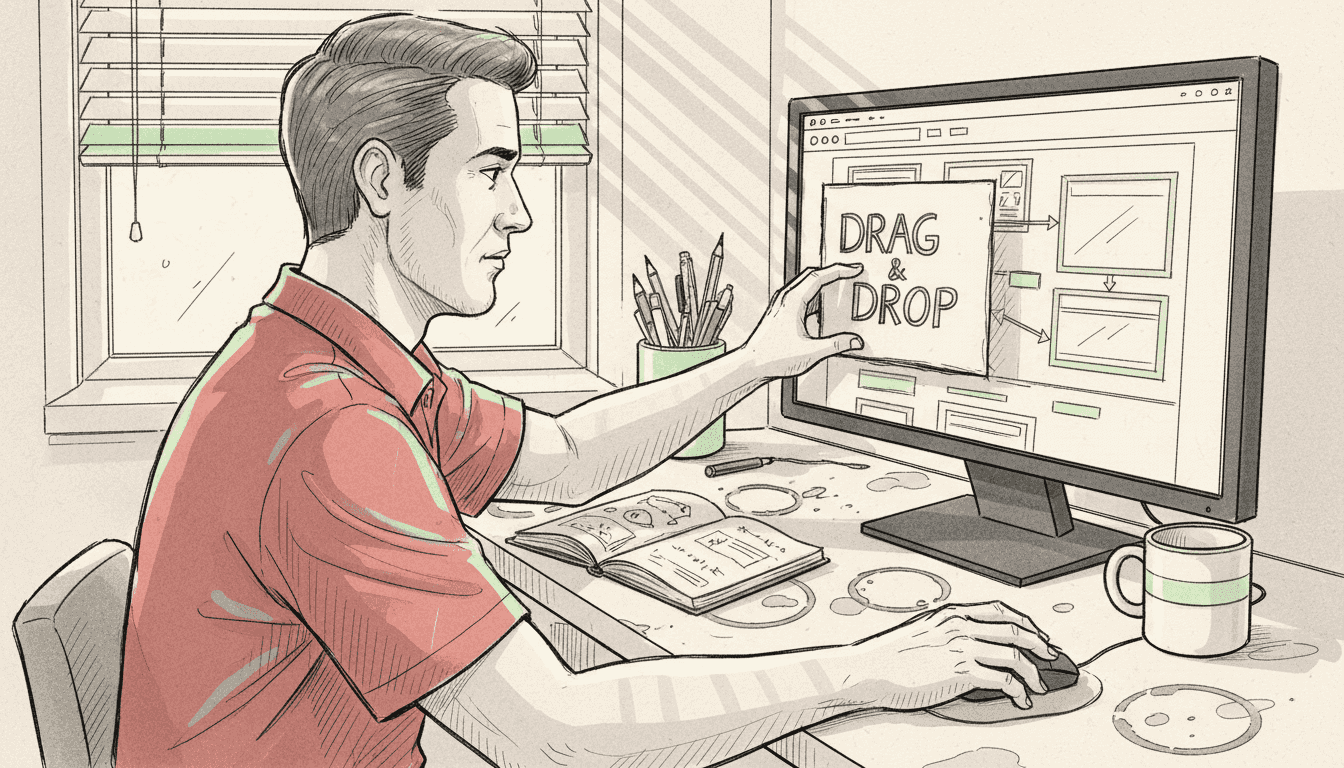
Wix and Squarespace excel for beginners seeking fast deployment with minimal technical knowledge. These drag-and-drop website builders offer professional templates and integrated hosting, reducing setup complexity. You can launch in days rather than weeks.
WordPress provides extensive customization through thousands of themes and plugins. It powers over 40% of all websites globally. However, it requires more technical skill to configure properly and maintain security updates.
Consider these factors when choosing:
- Technical skill level: Honest assessment of your abilities prevents frustration
- Budget constraints: Factor in hosting, themes, plugins, and potential developer costs
- Scalability needs: Plan for growth in traffic, products, or functionality
- Time availability: Evaluate how much learning time you can invest
- Customization requirements: Match platform flexibility to your unique needs
| Platform | Best For | Ease of Use | Cost Range | Customization |
|---|---|---|---|---|
| Wix | Complete beginners | Very Easy | $16 to $45/month | Limited |
| Squarespace | Creative professionals | Easy | $16 to $49/month | Moderate |
| WordPress | Technical users | Moderate | $5 to $50+/month | Extensive |
| Shopify | E-commerce focus | Easy | $39 to $399/month | Moderate |
Choosing the right tool reduces technical barriers and accelerates your launch timeline significantly. Match your selection to realistic capabilities rather than aspirational technical skills.
Pro Tip: Start with a simpler platform if you’re unsure. You can always migrate to more complex solutions as your technical confidence and business needs grow.
Explore best AI tools for founders in 2026 to complement your website platform and streamline business operations. Avoid common startup mistakes during platform selection by validating choices against your actual needs.
Step-by-step website setup process
Follow these sequential actions to execute your website setup efficiently and avoid costly mistakes.
-
Register your domain name by selecting a brandable, SEO-friendly option through reputable registrars like Namecheap or GoDaddy. Secure both .com and relevant alternatives to protect your brand.
-
Set up web hosting by choosing a plan matching your traffic expectations. Connect your domain by updating nameserver settings in your registrar account, which typically propagates within 24 to 48 hours.
-
Install your chosen platform through one-click installers provided by most hosting companies. Website builders and CMS platforms simplify this process for non-technical users.
-
Select and customize a template that reflects your brand identity. Modify colors, fonts, and layouts to match your business personality while maintaining professional aesthetics.
-
Create essential pages starting with these core elements:
- Homepage with clear value proposition
- About page explaining your story and credibility
- Products or services page with detailed offerings
- Contact page with multiple connection options
- Privacy policy and terms of service
-
Add compelling content that speaks directly to your target audience’s needs. Use clear headlines, benefit-focused copy, and strategic calls to action throughout your site.
-
Test mobile responsiveness by viewing your site on various devices. Over 60% of web traffic comes from mobile devices in 2026, making this step critical.
-
Optimize loading speed by compressing images, enabling caching, and minimizing unnecessary plugins. Sites loading in under 3 seconds retain significantly more visitors.
-
Complete your pre-launch checklist:
- Set up automated backups
- Verify DNS settings are correct
- Install basic SEO plugins
- Configure security certificates (SSL)
- Test all forms and links
- Add analytics tracking
Launching with these systematic steps ensures your site is ready to support getting early startup customers effectively. Consider how AI tools for first-time founders can accelerate content creation during this process.
Common mistakes and how to avoid them
Understanding frequent setup errors helps you avoid delays and performance issues that frustrate visitors.
Ignoring mobile responsiveness creates terrible user experiences on smartphones and tablets. Over 70% of users abandon sites that don’t display properly on their devices. Test thoroughly on multiple screen sizes before launching.
Skipping speed optimization results in slow load times that kill conversions. Each additional second of load time reduces conversions by approximately 7%. Compress images, minimize code, and choose quality hosting to maintain fast performance.
DNS misconfiguration frequently delays launches by several days. Double-check nameserver settings and allow 24 to 48 hours for propagation before assuming something is broken. Rushing this process creates unnecessary panic.
Neglecting backups and security measures risks catastrophic data loss. Set up automated daily backups from day one. Install security plugins and keep all software updated to prevent hacking attempts.
Poor content planning leads to incomplete or irrelevant pages that fail to engage visitors. Map out all necessary content before building pages. Each page should serve a clear purpose in your customer journey.
Pro Tip: Create a testing protocol that includes checking every link, form submission, and page on multiple browsers and devices before announcing your launch.
“The biggest mistake new website owners make is launching before thoroughly testing. Spending an extra week on quality assurance prevents months of credibility damage from broken features.”
Avoid common startup mistakes by learning from others’ experiences during your setup process.
Expected results, costs, and timelines
Setting realistic expectations about investment and outcomes helps you plan effectively and measure success accurately.
Typical website setup duration ranges from 2 to 6 weeks when properly managed. Simple sites using templates launch faster, while custom designs require additional time for development and testing.
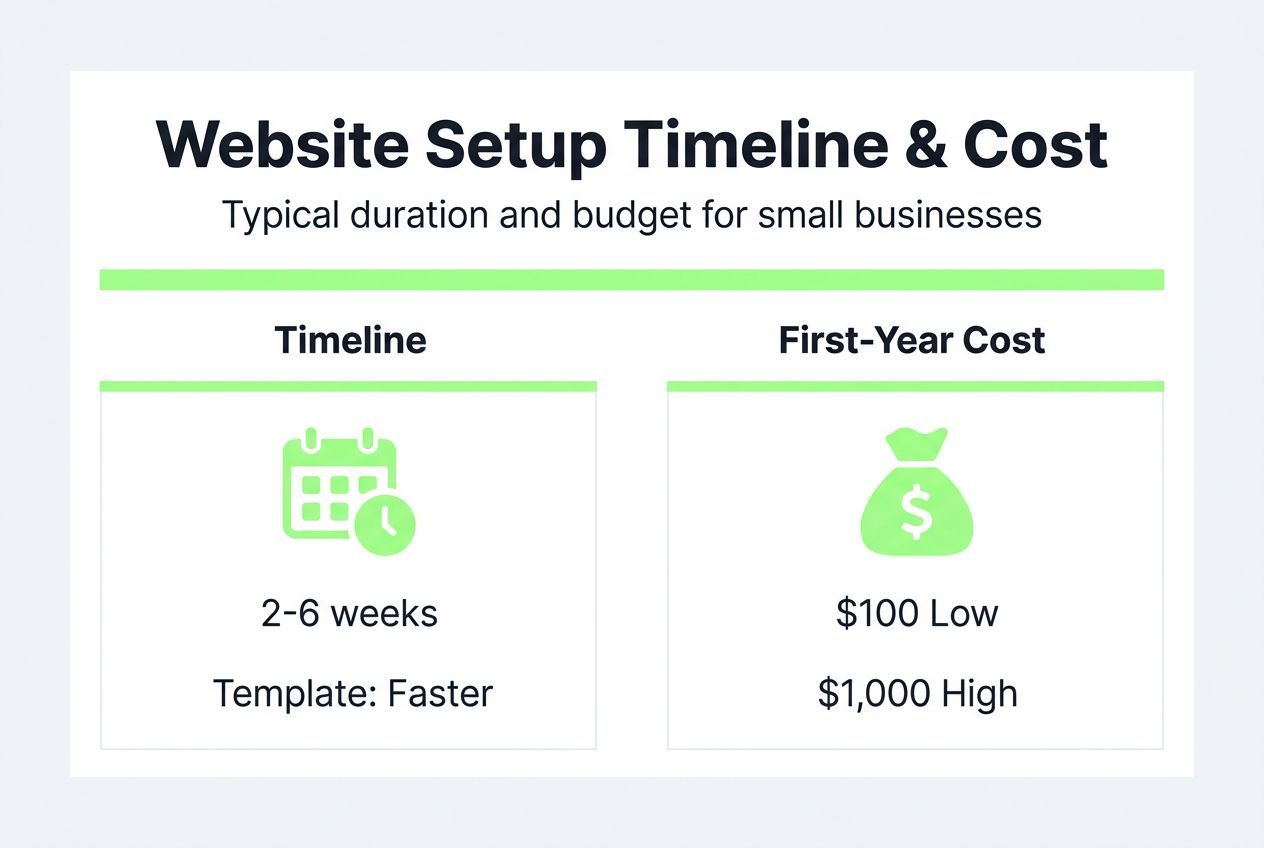
First-year costs fall between $100 and $1,000 for most small business websites. This includes domain registration, hosting, premium templates, and essential plugins or extensions.
| Expense Category | Low End | High End | Notes |
|---|---|---|---|
| Domain Registration | $10 | $20 | Annual renewal required |
| Web Hosting | $60 | $300 | Varies by traffic and features |
| Template/Theme | $0 | $200 | Free options available |
| Plugins/Extensions | $0 | $300 | Premium features optional |
| SSL Certificate | $0 | $100 | Often included with hosting |
| Total First Year | $100 | $1,000 | Budget varies by complexity |
Key success metrics to monitor include uptime percentage (target 99.9%), page load speed under 3 seconds, bounce rate below 50%, and conversion rate aligned with industry benchmarks. These indicators reveal whether your site effectively supports business goals.
Having a website properly aligned with business objectives boosts validation and conversion potential dramatically. Your site becomes a 24/7 sales and credibility tool when executed well.
Integrate AI for business validation processes with your website launch to ensure you’re building something customers actually want.
Explore smarter business launches with siift.ai
Setting up your website is just one piece of building a successful business. siift.ai offers AI-powered tools that streamline the entire journey from initial idea through validation and launch.
Our Intelligent Business Canvas guides you step-by-step through ideation, validation, and go-to-market strategy. Get personalized feedback, actionable insights, and prioritized next steps that de-risk your entrepreneurial journey. Filter out biases, blind spots, and distractions that derail most first-time founders.
Integrate siift.ai’s founder platform with your website launch to validate ideas faster and build exactly what your market needs. Access expert resources designed specifically for first-time founders and side hustlers navigating the complex startup landscape.
Visit siift.ai today to accelerate your path to product-market fit with intelligent automation and systematic business development tools.
FAQ
What is the best website platform for beginners?
Wix and Squarespace are ideal for beginners due to drag-and-drop simplicity and professional templates that require no coding. Use WordPress if you need more customization and have technical skills or willingness to learn. Explore best tools for founders to complement your platform choice.
How much does it cost to set up a website?
Basic professional websites usually cost between $100 and $1,000 in the first year, covering domain registration, hosting, and premium templates. Costs increase with custom development, advanced plugins, or e-commerce functionality. Leverage AI tools for entrepreneurs to reduce content creation costs during setup.
How long does it take to launch a business website?
A methodical website setup often takes 2 to 6 weeks from domain purchase to live launch, depending on preparation and complexity. Simple template-based sites can launch in days, while custom designs require several weeks for development and testing. Proper planning accelerates every phase.
What common mistakes should I avoid when setting up my website?
Avoid neglecting mobile responsiveness, which causes high bounce rates on smartphones and tablets. Don’t skip speed optimization, DNS configuration checks, automated backups, or thorough content planning. Learn from startup mistakes to avoid to prevent costly delays and credibility damage.
Recommended
- Building Entrepreneurial Mindset: Steps for Beginners in 2025 | siift
- Business Plan Essentials 2026: A Beginner’s Guide
- Branding for New Businesses: A 2025 Guide for Beginners | siift
- Self Funding a Business: Step-by-Step Guide for Beginners 2025 | siift
- Startup legal checklist 2026: ensure compliance in Bosnia
- Complete Guide to Starting a Style Blog - DressMeUpNY