Tracking income and expenses can feel like a juggling act for any business. Free tools promise to make things easier but not all deliver the same experience. Some offer clean interfaces and quick setup while others come packed with extra features you might not expect at no cost. Wondering which one fits your needs best? The search for the perfect business tracker starts here.
Table of Contents
Brex
At a Glance
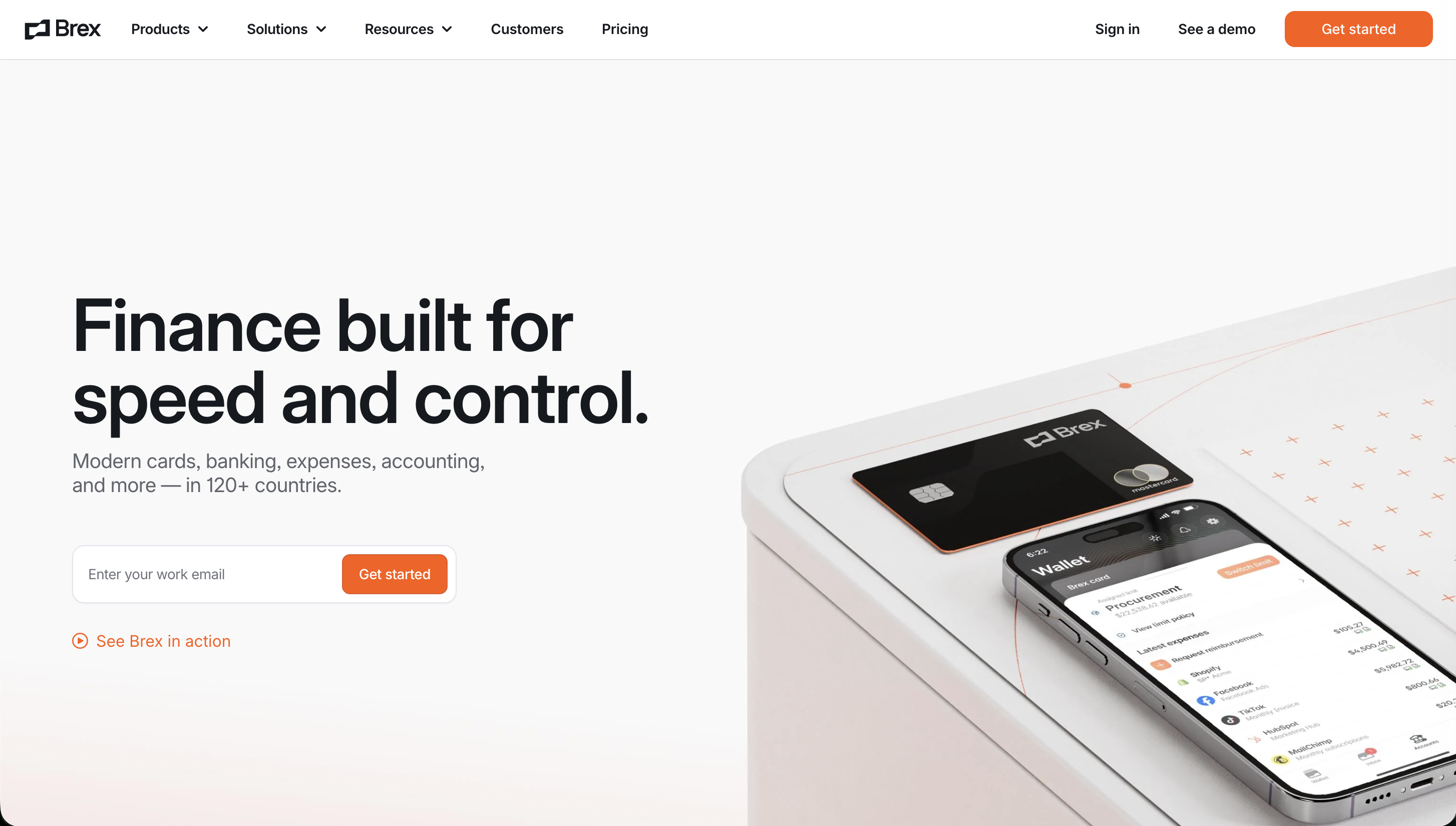
Brex offers a unified financial stack for scaling companies, merging corporate cards with automated spend management. It eliminates the manual work of tracking expenses by capturing data at the point of purchase.
Core Features
Integrated Corporate Cards: High-limit cards with no personal guarantee, tailored for startups.
Automated Expense Tracking: Instant receipt capture and AI-powered categorization via a mobile app.
Global Scale: Manage spend across 120+ countries with local card issuance and currency support.
Deep Integrations: Seamlessly syncs with QuickBooks, NetSuite, and Xero to automate accounting.
Pros
Real-Time Visibility: Get an immediate view of company-wide spending and burn rate.
Zero Monthly Fees: The core cards and spend management software platform are available with no monthly subscription cost.
Scalability: Built to grow with your company from seed to IPO.
Cons
Limited Accessibility: Primarily designed for registered corporations; generally not available for sole proprietors.
Who It’s For
Venture-backed startups and growing businesses that need a professional, automated expense management solution that replaces traditional bookkeeping hurdles.
Unique Value Proposition
Brex provides an integrated solution that combines high-limit credit with agentic automation, helping founders spend less time on books and more on building.
Real World Use Case
A growing SaaS startup issues Brex cards to its team, automatically matching receipts to transactions and syncing everything to their ledger for a fast month-end close.
Pricing
Free to get started with the core spend management and cards platform; no monthly fees for qualified startup accounts.
Website: https://brex.com
Wave Accounting
At a Glance
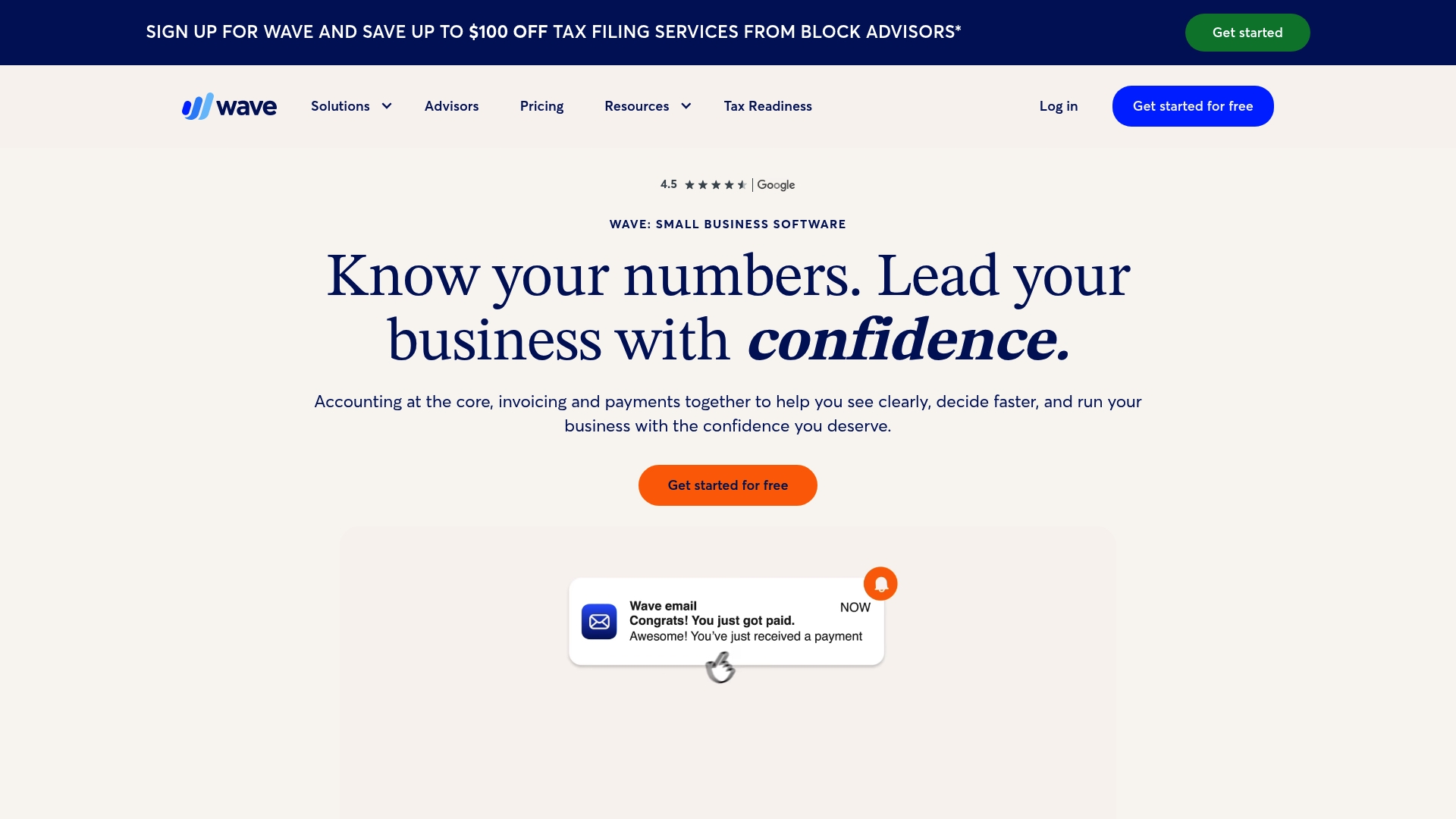
Wave Accounting is free small business software that combines Accounting and Invoicing with optional paid services for bookkeeping and payroll. It helps solopreneurs stay organized, accept payments, and prepare for taxes without a steep learning curve.
Core Features
Wave centers on Accounting to track income and expenses while adding tools that cover the full billing cycle and record keeping. The platform focuses on easy setup and practical workflows for one person or a very small team.
Accounting to track income and expenses: Core ledger and transaction tracking for cash flow visibility.
Receipts scanning and storage: Capture and store receipts from mobile or desktop for tax readiness.
Mobile app for managing finances on the go: Quick access to invoices and expenses while you work outside the office.
Invoicing and estimates creation: Create and send client invoices and estimates with payment links.
Payment acceptance: Accept credit cards and bank payments directly through invoices.
Payroll management: Run payroll for small teams as an add on service.
Financial reports and insights: Standard reports to support accounting and tax filings.
Integration with third party tools: Connect for extended functionality and workflows.
Pros
User friendly interface designed for small business owners makes onboarding fast and reduces time spent learning accounting jargon.
Comprehensive financial management in one platform combines invoices, payments, receipts, and reporting for a single financial view.
Free plan available with essential features lowers the barrier to start and keeps overhead minimal for early stage businesses.
Mobile app support for on the go management lets you invoice and record expenses while meeting clients or working off site.
Options for paid services including bookkeeping and expert support provide a path to scale without switching systems.
Cons
Some features like payroll and receipts scanning are paid add ons which increases cost when you need more complete services.
Limited to small business scale; may not suit larger enterprises because advanced multi entity and heavy customization options are not the focus here.
Dependent on internet connection as it is a cloud based platform so offline access and constant connectivity are limitations for some users.
Who It’s For
Wave suits small business owners, solopreneurs, freelancers, contractors, and consultants who want easy day to day bookkeeping without a monthly tab for essentials. It works best for single owner operations and very small teams that value simplicity.
Unique Value Proposition
Wave offers a genuinely free entry point that bundles invoicing, payment processing, and basic accounting in one product while letting you add bookkeeping and payroll as you grow. That pay as you scale approach keeps early costs low.
Real World Use Case
A freelancer uses Wave to send invoices, track expenses, capture receipts on a mobile device, and accept credit card payments, then adds payroll services when they hire a contractor. The workflow stays in one account on desktop and mobile.
Pricing
Wave provides a free basic plan with essential accounting and invoicing. Paid plans start at $19 per month for the Pro plan, with additional premium services available by subscription.
Website: https://waveapps.com
Zoho
At a Glance
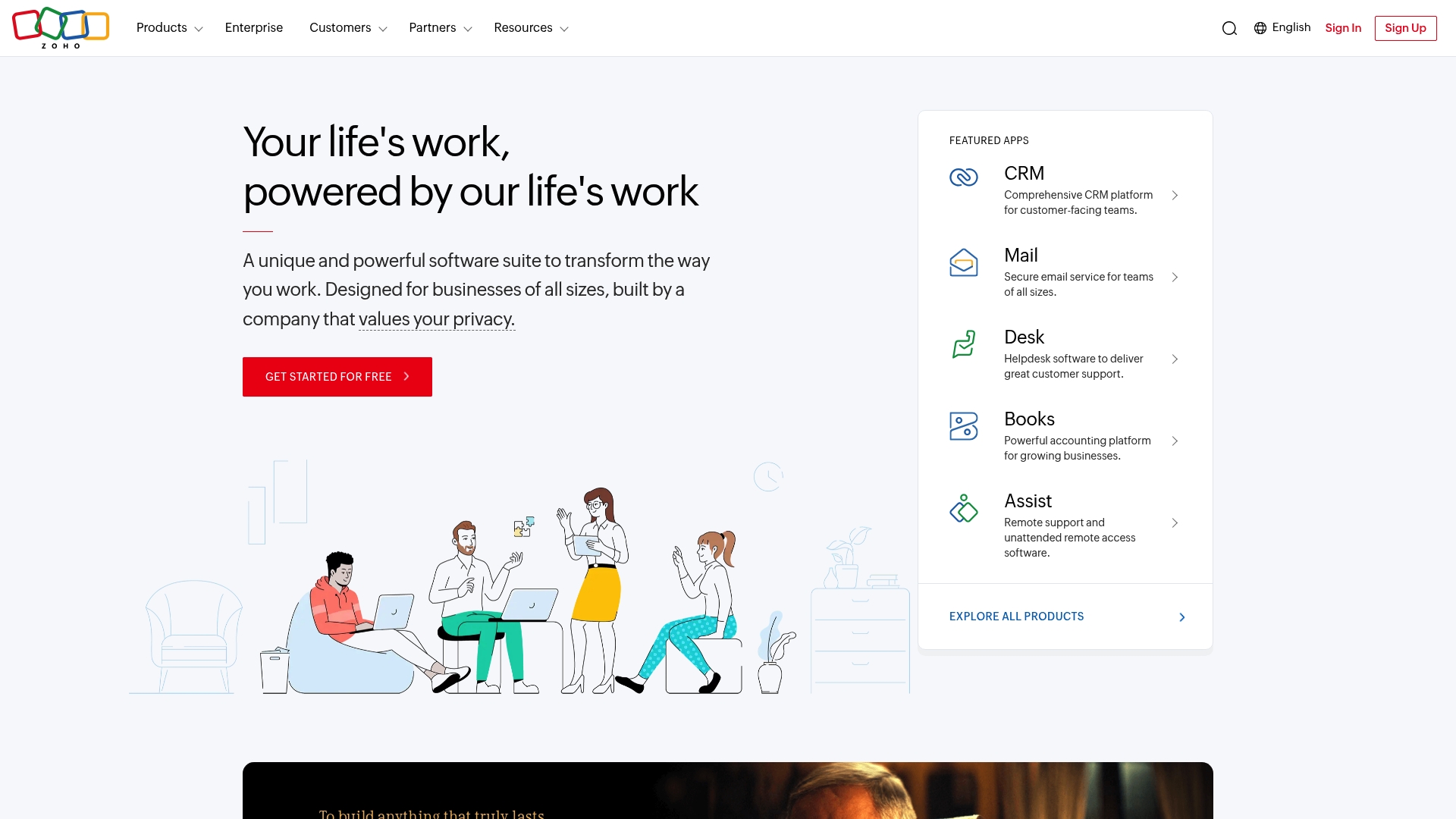
Zoho is a broad all in one cloud software suite built to handle CRM, finance, HR, security, analytics, and more from a single platform. It fits businesses that want to reduce vendor clutter while keeping tools tightly integrated.
Core Features
Zoho combines a unified cloud software suite with a diverse product catalog that spans CRM, Mail, Desk, Books, HR, Security, Analytics, and Developer platforms. The ecosystem includes Zia, an AI assistant, and access to over 2000 extensions through Zoho Marketplace for custom workflows and integrations.
Pros
All in one platform reduces vendor needs. Having multiple departments on one platform simplifies data flow and lowers overhead for integrations.
Highly customizable and scalable. Zoho adapts from small teams to larger enterprises through configurable modules and extension options.
Strong privacy focus without ad reliance. The company emphasizes privacy and does not depend on advertising models for revenue.
Extensive integrations and extensions. More than 2000 Marketplace extensions let you add niche tools or build tailored business processes.
Decades of experience. With over 30 years in the industry, Zoho brings maturity in enterprise grade infrastructure and support.
Cons
Ecosystem can overwhelm new users. The breadth of products and choices increases the learning needed to select and configure the right tools.
Some advanced features require technical setup. Implementing deeper automation or custom apps often needs developer support or technical know how.
Pricing details are not clearly presented here. The overview does not specify plans or costs so you must visit the site for accurate pricing information.
Who It’s For
Zoho suits businesses of all sizes that want a single platform to manage multiple departments and reduce point solution sprawl. It works well for solopreneurs scaling to midsize teams who expect to grow and need modular tools that connect.
Unique Value Proposition
Zoho’s main strength is its comprehensiveness. Rather than gluing different vendors together, Zoho provides an integrated set of business tools with an AI assistant and a large extensions marketplace. That combination helps founders keep context and data centralized as they scale.
Real World Use Case
A midsize retail company uses Zoho POS, Inventory, CRM, and Marketing modules to run sales, manage customer records, track stock levels, and execute campaigns from a single control point. This reduces manual reconciliation and keeps marketing tied directly to sales outcomes.
Pricing
Pricing details are not specified in the provided content. For accurate plan comparisons and to see free or trial options, visit the Zoho website and review the product specific pricing pages for CRM, Books, HR, and other modules.
Website: https://zoho.com
SparkReceipt
At a Glance
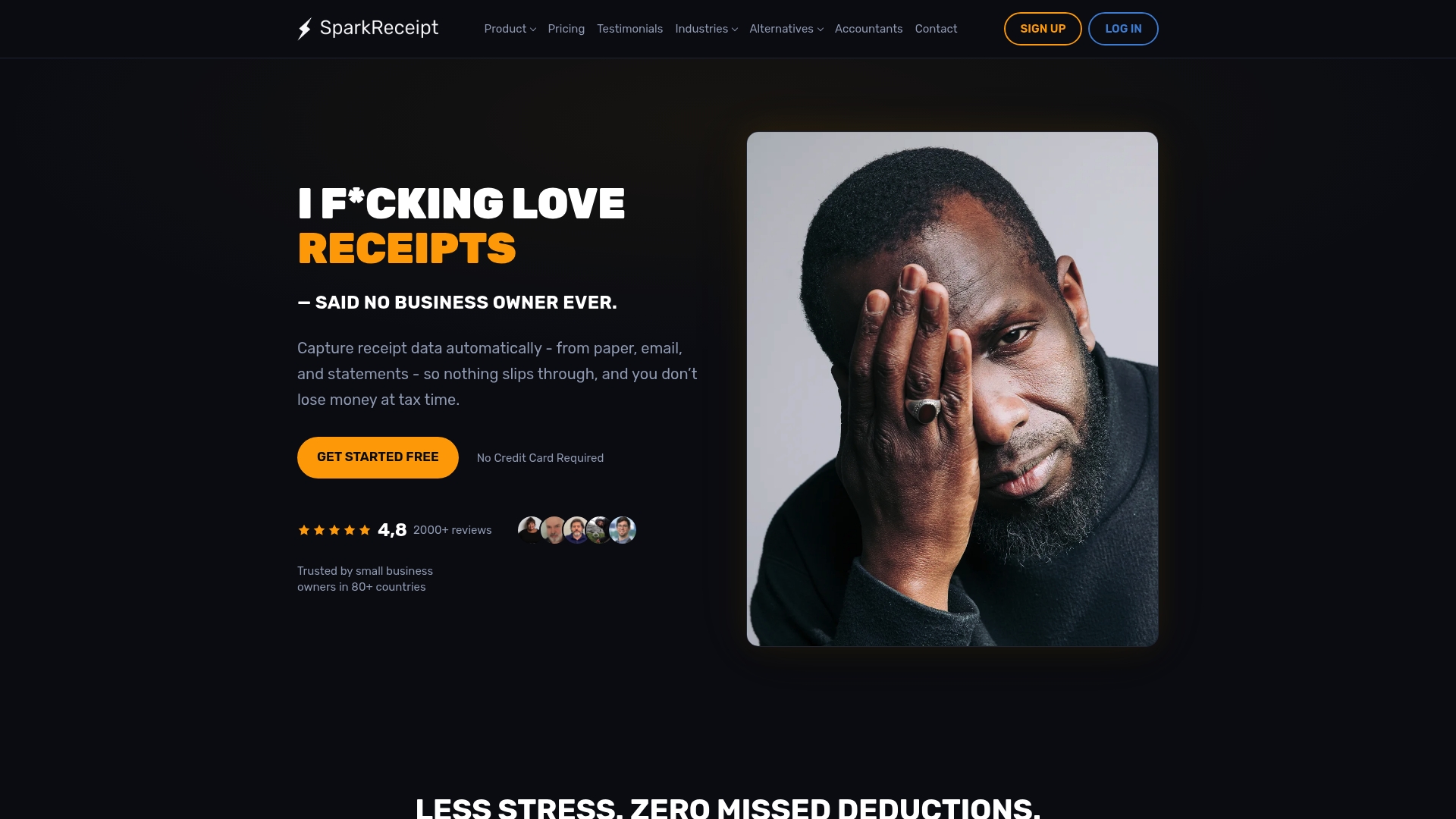
SparkReceipt is an AI-powered receipt scanning and categorization tool built to automate receipt management for small businesses and freelancers. It handles multi-currency receipts, fetches email receipts, and produces exportable reports so you spend less time on bookkeeping.
Core Features
SparkReceipt automatically extracts merchant names, dates, totals, taxes, and currencies from photographed receipts or email attachments. It also supports automatic extraction from bank and credit card statements, matches transactions, and exports reports in PDF, Excel, or CSV formats for accountants.
Pros
Automates data entry which saves time and reduces manual errors when you upload receipts by photo or email.
Multi-currency and multi-language support allows global freelancers and small businesses to keep accurate records across clients and markets.
Lifetime price lock gives early subscribers predictable long term costs which helps when you budget for tools as your business grows.
Free accountant access and collaborator features simplify sharing expense data with bookkeepers and tax professionals without extra seats.
Integrates with QuickBooks via Zapier which eases moving expense data into your accounting workflow and reduces duplicate work.
Cons
The platform lists standard encryption but provides limited specifics about data security practices which may worry security conscious users.
Pricing that starts low may scale higher for larger teams or advanced features so total cost can rise as your business expands.
The description does not quantify AI accuracy in disputed or messy receipts which leaves uncertain how it handles edge cases.
Who It’s For
SparkReceipt is aimed at small business owners, freelancers, and sole proprietors who need an affordable system to automate expense capture and prepare clean reports for taxes. It fits users who want quick setup and minimal bookkeeping overhead.
Unique Value Proposition
SparkReceipt combines focused receipt automation with flexible export options and accountant collaboration. The combination of email receipt fetching, statement matching, and a lifetime price lock positions it for founders who value time savings and predictable costs during early growth.
Real World Use Case
A freelance designer forwards emailed receipts and photographs cash receipts from client lunches. SparkReceipt extracts totals and category data, matches them to bank transactions, and produces a consolidated PDF report the designer shares with their accountant for quarterly tax filing.
Pricing
SparkReceipt offers a Pro plan at $6.58 per month billed annually at $79 per year and an Elite plan at $9.08 per month billed annually at $109 per year. A limited lifetime offer for early users is available which locks pricing for subscribers.
Website: https://sparkreceipt.com
Business Tools Comparison
This table compares business income and expense tracking tools based on their core features, target users, and pricing. The tools vary in their approach to expense management, accounting, receipt capture, and financial organization.
Product | Core Features | Target Users | Pricing |
|---|---|---|---|
Brex | Corporate cards, AI-powered expense tracking, automated receipt capture, global spend management and accounting integrations | Venture-backed startups and growing companies that need automated corporate spend and expense management. | Free for qualified startups with no monthly fee for the core cards and spend management platform. |
Wave Accounting | Free accounting software, invoicing, payroll (add-on) | Small business owners, freelancers, contractors | Free for basic features; paid plans starting at $19/month |
Zoho | All-in-one suite for CRM, HR, finance, and more | Businesses seeking a unifying platform | Pricing details on website |
SparkReceipt | AI-powered receipt scanning and organization | Freelancers, small business owners | Pro plan: $6.58/month (billed yearly); Elite plan: $9.08/month (billed yearly) |
These tools are tailored to meet diverse business needs, ensuring flexible and efficient management of operations.
Choose the Right Free Income and Expense Tracker
The right income and expense tracker depends on your business size, transaction volume, accounting needs, and budget. Free tools can be useful for freelancers, solopreneurs, and small businesses that need basic financial organization without adding another major monthly expense.
Before choosing a tool, compare features such as income and expense tracking, receipt capture, reporting, accounting integrations, mobile access, and any limits on free plans. Also check whether features you need, such as payroll, payment processing, or advanced reporting, require a paid upgrade.
Choose the tool that matches your current financial workflow while leaving enough room to scale as your business grows.
Frequently Asked Questions
What is the best way to track income and expenses for a small business?
To effectively track income and expenses for a small business, use a structured method that categorizes each transaction. Start by recording all income and expenses in a monthly ledger to gain clarity on your financial health.
How can I set up a free business income and expense tracker?
You can set up a free business income and expense tracker by selecting a tool that offers easy onboarding and practical features. Create your account, input initial data, and categorize your transactions to begin tracking your finances effectively.
What features should I look for in a free expense tracking tool?
Look for features that include automated data entry, multi-currency support, and export options in formats like PDF or Excel. These functionalities will simplify your bookkeeping process and enhance your ability to analyze financial data.
How often should I update my income and expense tracker?
You should update your income and expense tracker weekly to ensure accuracy and stay on top of your finances. This regular maintenance allows you to identify trends and manage cash flow efficiently.
Can a free income and expense tracker help with tax preparation?
Yes, a free income and expense tracker can significantly aid in preparing for taxes by ensuring you have well-organized financial records. Use it to categorize expenses and income, making tax time less stressful and more organized.